What Manual Gate Passes Really Cost Your Business
Manual gate passes look free but cost real time, accuracy, and audit-readiness every day they stay in place. This piece compares manual and digital gate pass systems on time per visitor, error rate, and audit cost, and shows where the math actually favors switching.


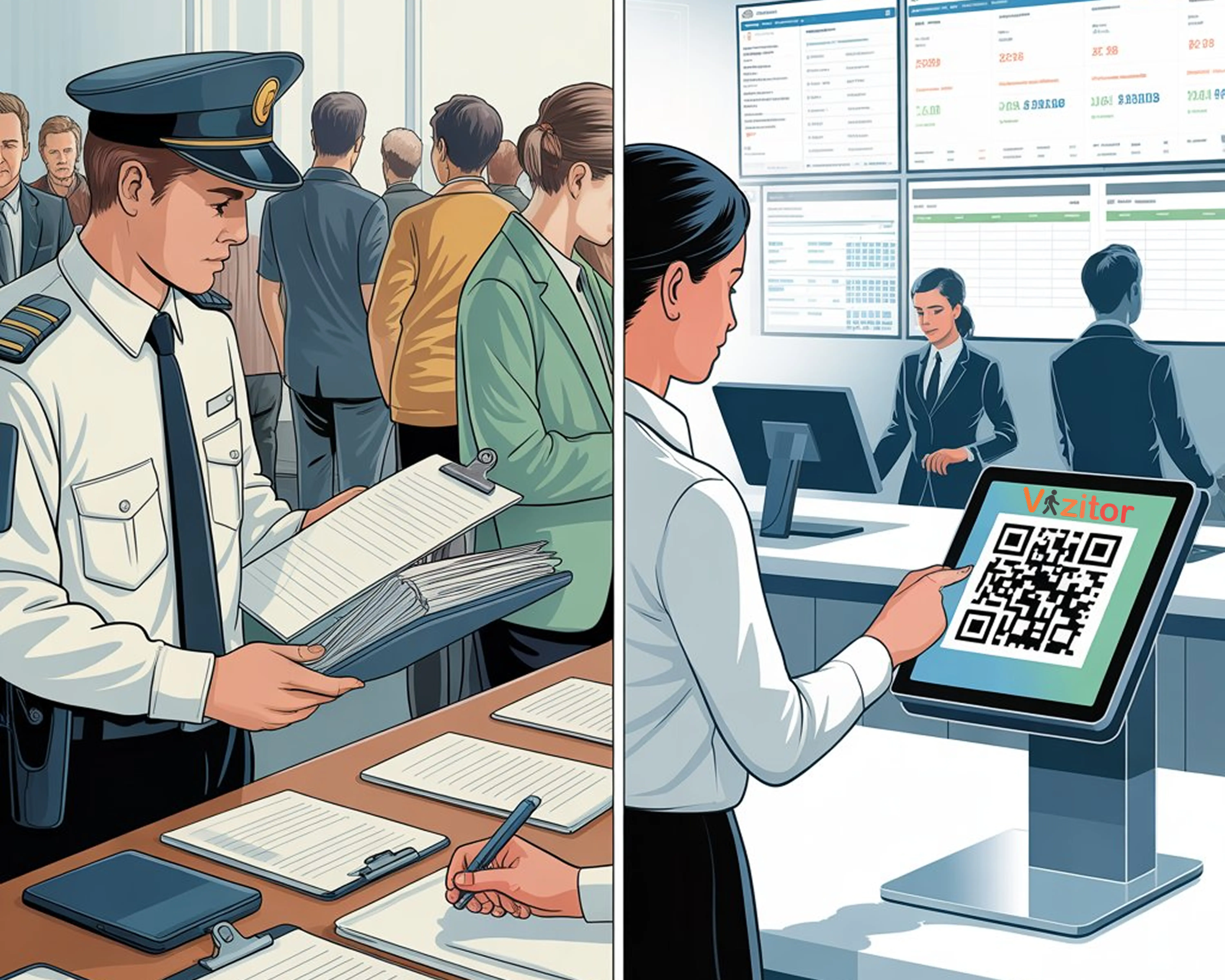
Table of Content
Try Vizitor for Free!
Manual Gate Passes Look Free. They Aren’t.
A manual gate pass is a paper slip a visitor signs at the door. A digital gate pass replaces that slip with an online registration or QR-based check-in that logs the same visit automatically, no handwriting, no separate paper trail to search later.
Most offices have updated everything from payroll to project tracking. The visitor entry process often still runs the way it did a decade ago: a register, a pen, and a visitor waiting for someone to write their name down.
That paper system has a cost. It just doesn’t show up on an invoice.
What a Manual Gate Pass Actually Looks Like
A manual gate pass is as basic as it sounds. A visitor writes their name, someone signs a slip, and that’s the record.
The problems show up fast:
- Handwriting is hard to read.
- Details are often wrong or missing entirely.
- Paper slips get lost, torn, or tossed.
- Nobody can search or analyze last month’s entries.
- No one can say, in real time, who is actually on-site.
It’s simple. That simplicity is exactly where the blind spots live.
What a Digital Gate Pass Does Differently
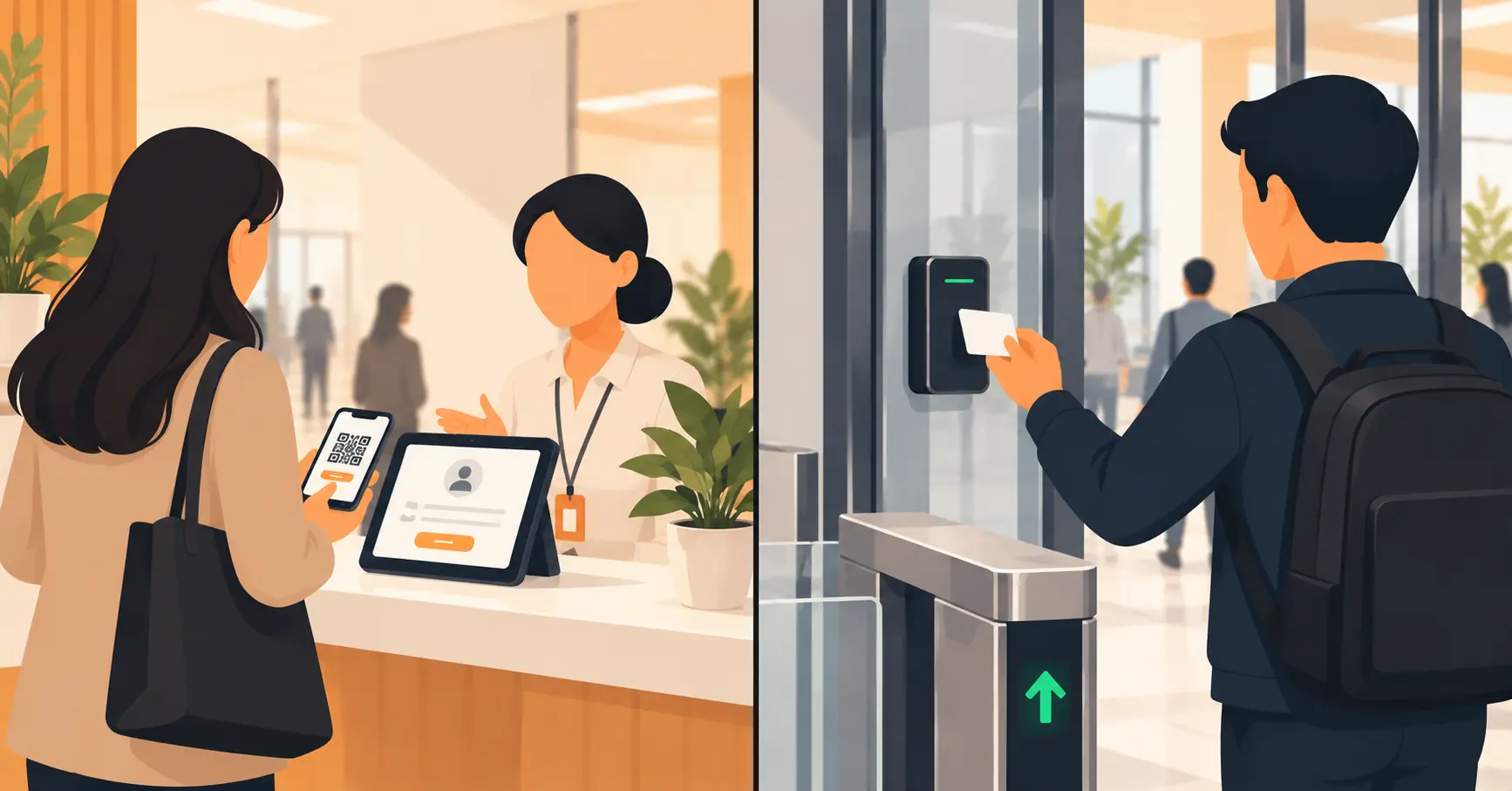
A digital gate pass automates the same steps, only faster and with fewer mistakes. Visitors register online or scan a QR code, and their details go straight into a searchable system.
A modern setup includes:
- Web or mobile registration before arrival
- QR-based check-in at the gate or reception
- Automatic badge or pass creation
- Real-time tracking of who’s inside
- One central log for reports and audits
Instead of flipping through a notebook, a manager sees who’s on-site on a dashboard that updates the moment someone checks in.
Manual vs Digital: The Real Cost Comparison
The two systems don’t just differ on features. They differ on where the cost lands.
| Cost driver | Manual gate pass | Digital gate pass |
|---|---|---|
| Setup cost | Near zero — a register and a pen | One-time setup, then a subscription |
| Time per visitor | 2-4 minutes of staff attention | Under 30 seconds, mostly self-service |
| Error and rework | Illegible or missing fields, redone by hand | Fields are structured; incomplete entries get blocked |
| Audit prep | Hours spent hunting through binders | Minutes, searchable by name, date, or host |
| Adding a new site | A new logbook, a new set of habits | Same dashboard, same rules, no rebuild |
| Cost trend over time | Rises with staff hours and paper waste | Flattens once the system is running |
Manual systems win on day one, because there’s nothing to buy. The bill just gets paid later, in staff hours, in redone entries, and in the afternoon someone spends searching a binder for a name during an audit.
Example, illustrative numbers, not a Vizitor customer figure: an office with 30 visitors a day, where each manual sign-in takes about 3 minutes of staff attention, loses roughly an hour and a half daily to that one task. A QR-based check-in cuts the per-visitor time to under 30 seconds, freeing most of that hour for anything else reception needs to do. The exact dollar value depends on wage and visitor volume, but the time cost is real whether or not it shows up as a line item.
For a full framework on turning time savings, admin costs, and compliance risk into a single ROI number, see our breakdown of the hidden ROI of visitor management systems.
The Hidden Cost of Staying Manual
Offices running on paper often think they’re saving money by skipping software. Add up the daily friction and the picture changes.
Front-desk staff lose real hours to repetitive data entry. Security teams can’t cross-check a visitor’s past visits without digging through old binders. Missing logs turn a routine audit into a scramble. Paper, printing, and storage costs pile up quietly in the background.
Switching doesn’t have to mean a long rollout, either. Retina Centre, a healthcare provider, moved to 100% digital patient check-in with a one-day deployment, proof that dropping paper is a configuration change, not a months-long project.
If your site gets a handful of visitors a week, none of this urgency applies yet. A paper log might genuinely be the right call until volume grows. This comparison is built for offices where visitors show up daily and the staff time actually compounds.
How Visitor Entry Feels to the Guest
Manual check-in: visitors stand in line, wait for the logbook, repeat the same details out loud, and hope someone remembers to tell their host.
Digital check-in: they scan a code, confirm their details, and get a badge. Vizitor’s host notifications land in about 5 seconds, instead of the visitor sitting for several minutes while someone tracks down the right person by phone.
That difference is small on any single visit. Multiplied across a hundred visits a month, it’s the gap between a lobby that feels organized and one that feels like a DMV line.
Security and Compliance: Why Digital Wins
Paper passes can’t verify who’s actually entering a building. A digital system ties every entry to something specific:
- Each pass links to an ID or a host’s invite.
- Access can be set to expire automatically.
- Visitor logs are time-stamped and stored, not scribbled and shelved.
- Unusual or unauthorized entries get flagged instead of missed.
When an audit or a security review happens, the record already exists. Nobody has to reconstruct it from memory or old notebooks.
Managing Multiple Offices or Sites
Paper systems break down the moment a business runs more than one location. A cloud-based gate pass keeps all sites in sync instead of leaving each branch to its own habits.
With one system, a manager can see who’s on-site anywhere, apply the same registration rules everywhere, and pull a report without calling each branch individually. Adding a fourth or fifth location doesn’t mean rebuilding the process from scratch.
Going Paperless Is Practical, Not Trendy
A paperless visitor registration doesn’t just look modern. It cuts real waste: no storage room full of old registers, no printer jams or badge piles, less time spent filing or searching for a specific entry.
It’s a small operational change that pays off in cleaner day-to-day running, not a branding exercise.
How Vizitor Fits In
Vizitor replaces paper logs with a secure, connected digital gate pass system built for real front desks, not just a demo screen.
With Vizitor, a team can let visitors pre-register or check in instantly, use QR-based or contactless entry, track every entry across locations from one dashboard, and keep records encrypted and ready for an audit at any time.
It’s built to work quietly in the background, so the team’s attention stays on people instead of paperwork.
The Old Way Costs More Than It Looks
Manual gate passes look harmless until the time, the errors, and the missing information get added up. A digital gate pass doesn’t just move faster. It moves the cost from an invisible daily tax into a predictable line item, one that shrinks the more an office relies on it.
If your front desk is still flipping through a logbook, it’s worth pricing out what that logbook actually costs before deciding paper is the cheaper option.
Switch to a digital gate pass with Vizitor. See how simple, secure, and fast access can be. Book a free demo →
Frequently Asked Questions
See Vizitor in action check-in a visitor in under 30 seconds
Trusted by 500+ businesses. QR check-in, badge printing, NDA signing. Plans from $36/mo.