Strengthening Campus Safety with Visitor Management Tools
This article covers why K-12 schools and universities are adopting visitor management systems to strengthen campus safety, including real-time monitoring, watchlist screening, automated digital badges, and instant evacuation lists during emergencies. It covers why guards and paper logs fall short on a large campus, the features to look for, common rollout mistakes, and where a VMS reaches its limits.


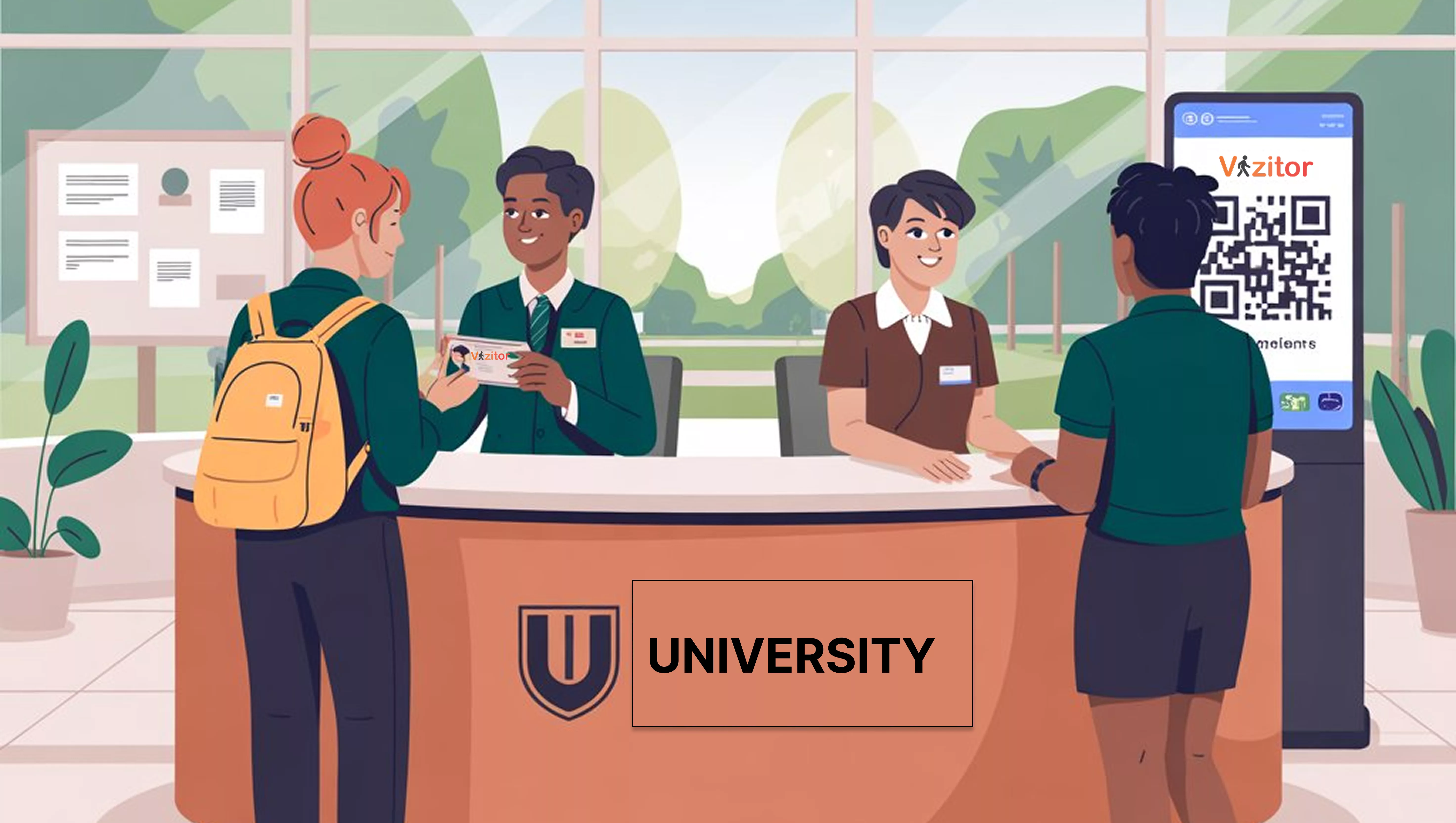
Table of Content
Try Vizitor for Free!
A guard can watch one gate. A university campus usually has several: a main entrance, a bus loop, a loading dock, a handful of dorm doors. That gap between one set of eyes and many entry points is where an unauthorized visitor gets through, and it’s why more schools and universities are adopting a visitor management system instead of relying on a sign-in sheet.
A campus visitor management system (VMS) is software that checks in, screens, and tracks every visitor, contractor, and guest from arrival to departure. It matters because a paper log can’t check a name against a watchlist, and it can’t tell staff who’s still on site when an alarm goes off.
Digital visitor management replaces that paper log with something a front desk can actually act on: a badge that shows who someone is and why they’re there, a real-time list of who’s on campus right now, and a record that holds up when a parent, an auditor, or a state reviewer asks questions later.
This article covers why guards and paper logs fall short on a large campus, the features worth checking before you buy, a typical rollout, the mistakes schools make along the way, and the honest limits of what a VMS does and doesn’t cover.
Why Guards and Paper Logs Fail on a Real Campus
Most campus safety plans still lean on two things: a person watching the door and a logbook next to them. Both break down in specific, predictable ways.
A guard can only watch what’s in front of them. A campus with multiple gates, a bus loop, and a loading dock needs coverage a single person physically cannot provide, no matter how alert they are.
A paper logbook can’t be searched. If a name needs to be checked against a custody restriction or a banned-visitor list, someone has to remember it, not look it up in half a second.
Handwriting fails under pressure. Names get abbreviated, times get skipped, and a rushed morning drop-off turns the log into a rough guess rather than a record.
Nobody can produce an accurate headcount from a clipboard mid-emergency. When an alarm sounds, the sign-in sheet is sitting at a front desk that people are actively evacuating, not in anyone’s hands.
97% of U.S. public schools already require some form of visitor sign-in or badge procedure, according to National Center for Education Statistics survey data. Adoption of the basic idea is nearly universal. The gap is between requiring a sign-in and actually being able to act on what that sign-in tells you, and that’s the part paper can’t do.
That gap looks different depending on the campus. A K-12 school mostly needs to control who reaches a classroom hallway during the school day. A university has to extend the same discipline across dorms occupied at 2 a.m., research buildings with restricted equipment, and a public quad anyone can walk through. Both are still campus safety. They just need different coverage, which is one reason a single generic checklist rarely fits both.
Benefits of a Visitor Management System for Campus Safety
Enhanced Security and Access Control
A visitor management system for schools checks a visitor’s identity against a watchlist the moment they arrive, before they reach a hallway or a classroom door. A digital badge then shows their name, photo, and purpose at a glance, which makes an unauthorized person far more noticeable than they would be carrying a handwritten pass.
Real-Time Visitor Monitoring
Front-desk and security staff can see exactly who is on campus right now, not who signed in three hours ago. Paired with geofencing, the system can flag a visitor who wanders toward a restricted area, like a lab or a dorm, they weren’t cleared for. On a multi-building campus, that’s the difference between noticing a problem in the moment and finding out about it in an incident report the next day.
Automated Check-In and Digital Badges
Guests check themselves in at a touchless kiosk or on their phone instead of waiting for a staff member to hand-write a pass. The badge that prints out identifies who they are and why they’re there, which matters most in the ten seconds a teacher glances at a stranger in the hallway.
Faster, More Accurate Emergency Response
During a fire drill or a real emergency, the system produces an evacuation list instantly, covering every visitor and contractor on site, not just enrolled students and staff. That list is what turns “we think everyone’s out” into an actual, name-by-name headcount at the muster point, and it plugs directly into a campus’s broader emergency evacuation management planning rather than sitting apart from it.
Audit-Ready Records
Every check-in, screening result, and badge issuance is logged with a timestamp automatically. When a compliance review, a parent complaint, or an incident investigation needs the record, it’s there in minutes instead of buried in a filing cabinet.
Key Features to Look for in a Campus Visitor Management System
When evaluating a system for a school or university campus, look for:
- Pre-screening and watchlist checks that run automatically at check-in, not manually when someone remembers to look.
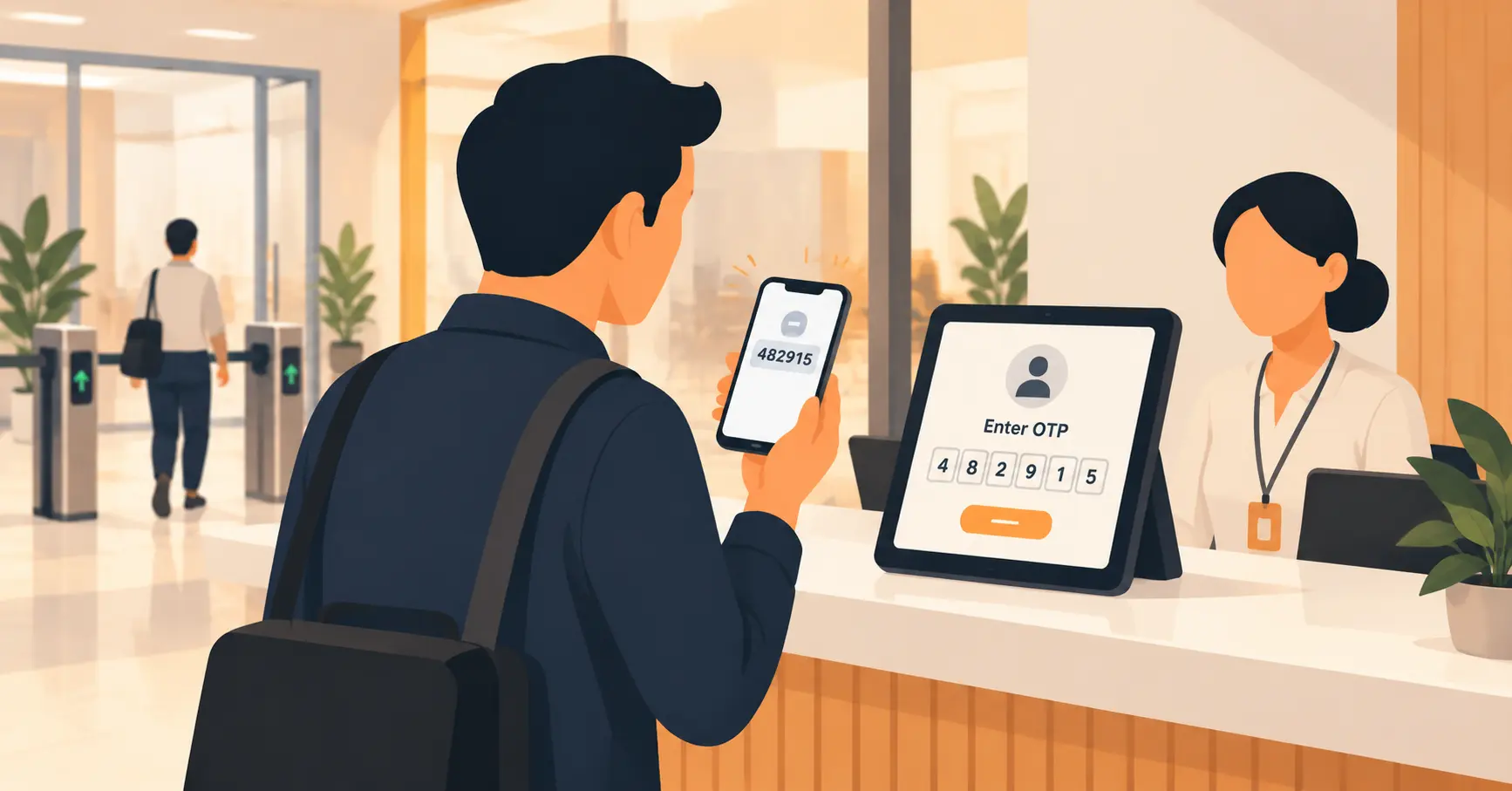
- Touchless kiosk or mobile check-in, so front-desk staff aren’t handwriting passes during a busy drop-off window.
- A way to cross-reference check-in data with the CCTV and access-control systems the campus already has.
- Custom, time-limited visitor badges that make an unauthorized person visually obvious.
- Instant mobile alerts to the host or teacher the moment their visitor arrives.
- Cloud-based access, so an administrator can check who’s on campus from a phone during an off-site meeting.
- A one-click evacuation or muster-point list, exportable the moment an alarm sounds.
For a closer look at the day-to-day mechanics of school VMS security features, including how OTP verification and dismissal authorization work together, see our breakdown of school-specific security workflows.
How a Campus Visitor Management System Works: Step by Step
- Pre-registration. Parents, guests, or event attendees register online before they arrive, so their screening runs ahead of time instead of at the door. This is what keeps a parent-teacher-night rush from turning into a bottleneck.
- Arrival and check-in. The visitor scans a government ID or a QR code at a kiosk, or checks in from a phone, without waiting for a staff member to be free.
- Verification. The system checks identity, stated purpose, and approval status against the campus’s watchlist and blocklist in the background, usually before the visitor has finished signing in.
- Badge issuance. A digital badge prints or displays instantly, showing name, photo, and purpose of visit, so anyone glancing at it can tell who they’re looking at.
- Real-time tracking. Security staff can see visitor location and duration of stay throughout the visit, and get an alert if someone lingers somewhere they shouldn’t.
- Exit check-out. The visitor logs out, and the system stores the full visit record for later reference, closing the loop that a paper log never closes.
Common Mistakes Schools and Colleges Make When Adding a VMS
Treating it as just a fancier sign-in sheet. A digital kiosk that only records a name and time offers little over paper. The value comes from the watchlist screening and real-time alerts running behind it, not the tablet itself.
Forgetting the entrances that aren’t the front door. A loading dock, a gym entrance used for evening events, and a dorm side door all need the same check-in discipline as the main gate. Campuses that only wire up reception create an obvious gap.
Skipping staff training on what an alert actually means. A watchlist flag is only useful if the front-desk person knows what to do next: who to call, whether to detain politely or let security handle it. Software without a response plan just produces an alert nobody acts on.
Never testing the evacuation-list workflow before a real drill. Schools test fire alarms regularly. Fewer test whether the visitor evacuation list actually generates correctly and reaches the right phone during that drill, which is exactly when they’d want to find out it doesn’t.
Rolling it out without preparing parents and regular visitors. A returning parent who suddenly needs an ID scan and a photo badge, with no advance notice, reads it as an inconvenience instead of a safety upgrade. A short heads-up email or a sign at the gate for the first few weeks heads off most of that friction.
Ignoring the higher-education reporting angle. K-12-focused vendors and guides tend to skip this, but colleges covered by the Clery Act, recently amended by the Stop Campus Hazing Act, must publish annual crime statistics and hazing-prevention disclosures. A visitor log that records which building someone checked into gives a compliance office exact geography for that report instead of a reconstruction exercise.
When a Visitor Management System Isn’t Enough
A VMS is not a replacement for a locked door, a trained guard, or a resource officer. It tells staff who someone is; it doesn’t physically stop them from walking past an unmonitored entrance.
It doesn’t cover cybersecurity. Screening a visitor at the front gate does nothing for a phishing email targeting the school’s finance office.
It’s lower priority for a very small campus with one entrance and light visitor traffic, where a staff member already personally recognizes almost everyone who walks in.
And it only works as well as the people running it. A watchlist nobody checks and an alert nobody answers is a paper log with extra steps.
None of that is a reason to skip it. It’s a reason to be honest about what the software owns and what still depends on trained staff, locked doors, and a response plan that everyone actually knows.
Real-World Applications Across School and University Campuses
- Parents and guardians get faster, safer check-ins for pickups, drop-offs, and parent-teacher meetings, with custody restrictions checked automatically rather than recalled from memory.
- Contractors and vendors are tracked with the same screening as any other visitor, useful for the maintenance and delivery staff who move through campus daily.
- Events and seminars bring large groups of external attendees who wouldn’t otherwise be in the visitor system, and pre-registration keeps that surge from overwhelming a single front desk.
- University research facilities restrict access to sensitive labs, so only cleared personnel and escorted guests reach equipment or data that shouldn’t be publicly walked past.
- Dormitory and hostel entrances get the same real-time tracking as the main gate, closing a gap that a locked-lobby-only approach leaves open.
K-12 buyers and university buyers are shopping for the same category of product with different priorities. A school’s front office cares most about custody verification and dismissal authorization: who is allowed to pick up which child, and how fast that can be confirmed. A university’s operations team cares more about research-lab access and after-hours dorm entry. The underlying workflow, check in, screen, badge, track, log out, stays the same. What changes is which piece of it gets configured first.
One Vizitor customer in this exact vertical, Sri Sairam College of Engineering, ran 100% visitor screening at every campus entry point for three years with zero operational issues, after a deployment that took a single day and a few hours of security staff training. That’s what “audit-ready” looks like in practice on an actual college campus, not just as a feature on a spec sheet.
Campus Safety Is Not Optional Anymore
Paper logs and a guard at the front door were never designed for a campus with multiple gates, a bus loop, dorms, and evening events. They were designed for a single, quiet front door, and most campuses stopped looking like that years ago.
A visitor management system for schools and universities closes that gap: real-time monitoring, automated check-in, an accurate evacuation list when it matters most, and a record that holds up under review. Pair it with the physical security and compliance measures a campus already has, and you get coverage that a guard or a clipboard alone can’t provide.
The investment isn’t just about stopping the worst-case scenario. It’s about parents, staff, and students trusting that someone actually knows who’s on campus, every single day, not only after something goes wrong.
That trust is hard to earn back once it’s lost. A single incident involving an unscreened visitor tends to prompt more scrutiny of a campus’s safety record than years of smooth, uneventful check-ins ever earn it credit for. Getting the front gate right, before an incident forces the question, is the cheaper and calmer way to build it.
Book a Demo With Us
Frequently Asked Questions
See Vizitor in action check-in a visitor in under 30 seconds
Trusted by 500+ businesses. QR check-in, badge printing, NDA signing. Plans from $36/mo.