Building an Audit-Ready Process for FMLA Leave Tracking
Tracking FMLA leave without a compliance nightmare comes down to four consistent habits: confirm eligibility, send the WH-381 and WH-382 notices on time, choose one twelve month calculation method for everyone, and log every absence in increments no larger than one hour against clean, centralized records. The rolling backward method is the most common and the hardest to run by hand, which is where spreadsheets fail. Vizitor is not an FMLA calculator, but its QR and GPS attendance tracking and exportable, multi-site records give you the reliable data foundation a defensible FMLA process is built on.


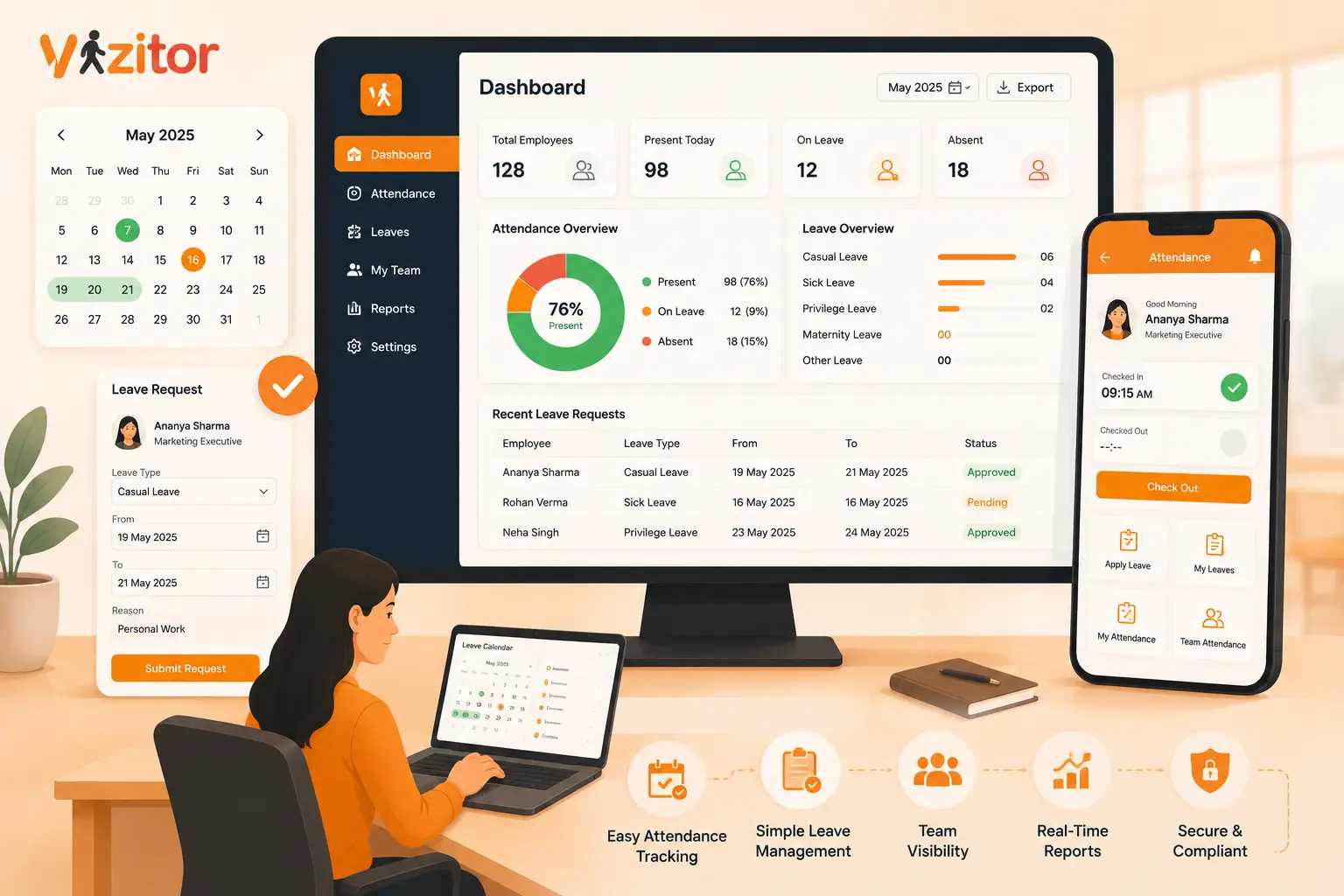
Table of Content
Try Vizitor for Free!
Tracking FMLA leave comes down to four things done consistently: confirm who is eligible, send the required notices on time, pick one twelve month calculation method and apply it to everyone, and log every absence in small increments against a clean, centralized record. Do those four things the same way every time and FMLA stops being a source of dread. Skip or scramble them and you get the compliance nightmare people warn about. That is the short answer. The rest of this article explains why FMLA tracking goes wrong so often, walks through the process step by step, clears up the calculation method that trips up most HR teams, and shows where reliable attendance data fits into the whole thing.
What FMLA tracking actually means
FMLA tracking is the ongoing process of confirming who qualifies for leave, recording how much protected time each person has used, and knowing how much they have left inside a defined twelve month window.
That sounds like simple math, and for a single continuous block of leave it usually is. Someone takes six weeks off for surgery and recovery, you deduct six weeks, and the balance is clear. The difficulty shows up with intermittent leave, overlapping state laws, and part time or variable schedules, where a few hours here and a full day there all have to be captured accurately and deducted from a shrinking balance.
It helps to be clear about one thing that people get backwards. The employer, not the employee, carries the responsibility to track FMLA correctly. An employee can even trigger FMLA rights without ever saying the words. If someone needs time off to care for a seriously ill parent or to manage their own serious health condition, it is on you to recognize it, document it, and count it properly.
Why FMLA tracking becomes a compliance nightmare
Before fixing the process, it helps to name the specific ways it breaks. Almost every FMLA violation traces back to one of these failure points, and none of them require bad intentions.
Manual spreadsheets are the first. A shared workbook feels harmless until someone mistypes a date, forgets to log a partial day, or copies a formula into the wrong cell. One quiet error can make it look like an employee has exhausted their leave when they have weeks remaining, or the reverse.
Decentralized records are the second. When a supervisor jots an absence on a personal calendar and never passes it to HR, that time slips through the cracks. Now different departments are effectively running different rules, which opens the door to claims of inconsistency and unfair treatment.
The twelve month method mix up is the third. There is more than one legal way to define the twelve month period, and using the wrong one, or switching between them, produces balances that do not hold up under scrutiny.
Partial day math is the fourth. Intermittent leave has to be counted in small increments, and rounding a two hour appointment up to a full day is a clear misstep that can burn through an employee’s entitlement early.
Missed notices are the fifth. Even when the leave itself is handled well, failing to send the required eligibility and designation paperwork on time is one of the most common violations of all.
Notice that these are process failures, not character failures. That is exactly why a process fix, rather than simply more effort, is the real answer.
How to track FMLA leave step by step
Here is a repeatable framework any HR team can put in place. The goal is consistency. Every case should move through the same steps in the same order.
Step 1: Confirm eligibility before anything else
Not everyone who requests leave qualifies. An employee is eligible only if they have worked for you for at least twelve months, have logged at least 1,250 hours of service in the previous twelve months, and work at a location with at least fifty employees within a seventy five mile radius.
Overtime counts toward those 1,250 hours. Paid time off does not. Getting this first calculation right matters, because a mistake here creates a domino effect through every step that follows. Run the same eligibility check for every request rather than eyeballing it case by case.
Step 2: Send the required notices on time
Once you have enough information to believe the leave may qualify, the clock starts. Within five business days you generally need to provide the Notice of Eligibility and Rights and Responsibilities, known as Form WH-381, which tells the employee whether they are eligible and lays out their obligations, including any request for medical certification.
After you receive and review that certification, the Designation Notice, Form WH-382, officially confirms the leave is being counted as FMLA and states how much time will be applied against the entitlement. Late or missing notices are a frequent and entirely avoidable violation, so build these deadlines into your workflow rather than trusting anyone to remember them.
Step 3: Choose one calculation method and use it for everyone
You must choose a single method for defining the twelve month period and apply it uniformly across all employees. Switching methods for different people, or changing midstream, is a reliable way to create disputes. There is a full breakdown of the four methods below, because this is the single most misunderstood part of FMLA tracking.
Step 4: Log every absence in the smallest increment
For intermittent leave, count time in the smallest increment your payroll system uses for other types of leave, as long as that increment is no larger than one hour. If an employee needs two hours for physical therapy, deduct two hours, not a half day and certainly not a full one. Precision here protects both the employee’s remaining balance and your defensibility.
Step 5: Keep intermittent leave under control
Intermittent leave is the hardest kind to manage because it arrives in unpredictable pieces. A migraine on Friday, a two hour appointment on Tuesday, a full schedule for the next three weeks. Each fragment has to be documented and deducted the moment it happens, not reconstructed from memory at the end of the month.
Watch for genuine patterns without jumping to conclusions. If absences cluster suspiciously around weekends or holidays, the appropriate response is to request recertification and provide the healthcare provider with the actual absence record, not to deny protected leave or retaliate.
Step 6: Centralize records and keep them audit ready
In any FMLA dispute, the party with the most thorough and accurate records is in the strongest position. Every request, notice, conversation, and absence should live in one confidential, central place, not scattered across inboxes and desk drawers.
A practical test is whether you could pull a complete, exportable history for any employee in about a minute. If assembling that record means hunting through email threads and asking three managers what they remember, your system is already a liability.
Step 7: Manage recertification and return to work
For ongoing conditions, you are allowed to request recertification periodically to confirm the leave is still needed and being used as designated. When leave ends, the employee generally has the right to return to the same or a virtually identical position, with the same pay, benefits, and responsibilities. Track the anticipated return date and the actual one, and document the restoration.
The four 12-month calculation methods, explained simply
This is where most FMLA tracking quietly goes wrong, so it is worth slowing down.
There are four accepted ways to define the twelve month period. The calendar year method resets everyone’s twelve week entitlement on the first of January. A fixed twelve month leave year works the same way but uses a set date you choose, such as your fiscal year or each employee’s work anniversary. The measured forward method starts the twelve month clock on the first day an employee actually uses FMLA leave. And the rolling backward method looks back twelve months from each day an employee takes leave to see how much they have already used in that trailing window.
The rolling backward method is the most common choice for employers, and also the most complex to run, because the available balance shifts every single day as older absences age out of the trailing window. It is powerful for preventing employees from stacking leave across years, but it is nearly impossible to manage reliably by hand. This is precisely the kind of calculation where a spreadsheet fails and dedicated tracking earns its keep.
The rule that protects you is simple to state and easy to forget. Choose one method, write it into your policy, and apply it to everyone the same way.
Manual spreadsheets versus a real tracking system
Plenty of teams start with a spreadsheet, and for a handful of continuous leave cases it can limp along. The trouble is that FMLA tracking does not stay small or simple. Add intermittent leave, variable schedules, multiple sites, and the rolling backward method, and a spreadsheet becomes a full time source of risk.
Manual tracking invites typos, missed entries, and formula errors. It has no memory, so it will not remind you that a certification is expiring or that a notice deadline is approaching. And it fractures the moment more than one person touches it. The days of tracking FMLA on a paper calendar or a lone workbook are behind us, not because the old way is unfashionable, but because it cannot produce the consistent, exportable, defensible record that compliance actually depends on. This is really the same argument made in why teams replace Excel for attendance tracking.
A better setup automates the tedious parts, calculates balances against your chosen method, flags upcoming deadlines, and keeps every document tied to the right employee. That frees your HR team to focus on supporting people through difficult moments instead of firefighting data errors.
Where reliable attendance data fits in
Every accurate FMLA balance rests on one thing that is easy to overlook. You have to know, without guessing, when each employee was actually present and when they were not. If your underlying attendance data is messy, no amount of careful leave math will save you, because you are calculating from bad inputs.
This is the practical role a workplace platform like Vizitor plays in an FMLA process. Vizitor is not a dedicated FMLA calculator, and it will not replace your leave administration. What it does is give you a clean, reliable foundation of attendance and absence data. With QR and GPS enabled check-in, touchless and cloud based, you capture accurate records of who worked and who was out, in real time, instead of piecing it together after the fact.
Those records stay centralized rather than scattered, they are exportable when you need to produce a history, and they stay consistent across every location so different sites are not quietly running different practices. The built in analytics surface attendance patterns and generate reports, which helps you spot the kind of absence trends worth a closer, lawful look. In short, Vizitor keeps the attendance layer honest, so that when you designate, log, and defend FMLA time, you are working from a single source of truth rather than a shaky spreadsheet.
If you want to see how clean attendance capture and exportable records feel in practice, you can start a fourteen day free trial of Vizitor.
A quick FMLA tracking checklist
Before you consider your FMLA process solid, make sure you can answer yes to each of these. You run the same eligibility check for every request. You send the eligibility and designation notices within the required windows every time. You have chosen exactly one twelve month calculation method and written it into policy. You log intermittent leave in increments no larger than one hour. Your records for any employee live in one central, confidential, exportable place. Your managers know to route potential FMLA situations to HR rather than approving, denying, or tracking on their own. And you have a routine for recertification and for documenting return to work.
Any no on that list is a crack worth sealing before it becomes a claim. The same discipline applies to other forms of leave, including the distinction between PTO accrual and accumulation.
Bottom line
FMLA tracking earns its scary reputation, but the fear is really about process, not the law itself. Train the people involved, track every hour accurately, communicate clearly, and keep one clean central record, and the nightmare fades into a routine your team can run with confidence. Get eligibility and notices right, commit to one calculation method, log leave in honest increments, and make sure the attendance data underneath it all is reliable. Do that consistently and you turn FMLA from a liability you brace for into a process you trust.
If you want the attendance and recordkeeping side of that foundation sorted, start a 10-day free trial of Vizitor, or book a demo to walk through it with the team. This article is general information about FMLA tracking practices and is not legal advice. For guidance on your specific situation, consult a qualified employment law professional.
Frequently Asked Questions
See Vizitor in action check-in a visitor in under 30 seconds
Trusted by 500+ businesses. QR check-in, badge printing, NDA signing. Plans from $36/mo.