Joining a Virtual Queue Without Downloading Anything
This page answers whether customers need a dedicated app to join a virtual queue, the direct answer is no. It covers all five app-free join methods (QR code, web link, SMS, WhatsApp, on-site kiosk, and staff-assisted check-in), explains when a branded app is genuinely justified for high-frequency repeat visitors, and addresses accessibility for customers without smartphones. Vizitor is presented as a multi-channel queue management platform that supports all join methods from a single dashboard with no mandatory app download for customers.


Table of Content
Try Vizitor for Free!
Do Customers Need an App to Join a Virtual Queue?
No and honestly, asking them to download one is one of the fastest ways to lose them.
Most virtual queue systems today let customers join by scanning a QR code with their phone camera. No download. No account. No password. It takes about 15 seconds, and they’re in.
That’s the short answer. But if you’re a business thinking about setting up a virtual queue or a customer who just got handed a flyer with a QR code on it, here’s everything you actually need to know.
Why Apps Became a Problem for Virtual Queues
Think about the last time you were asked to download an app just to do one simple thing.
Did you do it?
Most people don’t. And the numbers back that up, roughly 1 in 4 people who do download an app never open it a second time. More than half of all downloaded apps get deleted within 30 days.
For a business running a virtual queue, that’s a serious problem. If a customer has to stop, open the App Store, search for your app, download it, create an account, and verify their email just to get in line, they won’t. They’ll either walk away or just crowd the waiting area anyway, which defeats the whole point.
This is exactly why the industry moved away from app-based queuing for most businesses. The friction kills adoption before it starts.
So How Do Customers Actually Join a Virtual Queue?
There are a few ways, and none of them require an app.
QR Code, the most common way
A QR code is placed at your entrance, on a sign, a counter card, or even shown on a screen. The customer scans it with their regular phone camera, a webpage opens in their browser, they type their name, and they’re added to the queue.
That’s it.
They can then wait anywhere they want, in their car, at a coffee shop nearby, or just sitting down. When it’s their turn, a staff member calls them through. No standing in line. No watching a number board. No guessing how long it’ll take.
Web Link, for joining before you arrive
Some businesses share a direct link, through their website, a confirmation email, or their Google listing. Customers can click it and join the queue before they even leave home.
This works especially well for clinics, banks, or government offices where people know they’re going to wait and would rather secure a spot in advance.
SMS or WhatsApp, big in many parts of the world
In countries like India, the UAE, Brazil, and across Southeast Asia, WhatsApp is how people communicate every day. Some queue systems let customers join by simply sending a message to a WhatsApp number; no browser, no QR code, no extra steps.
SMS works similarly, and it’s useful for customers who don’t have a smartphone or aren’t comfortable with QR codes.
Kiosk, for customers who need help
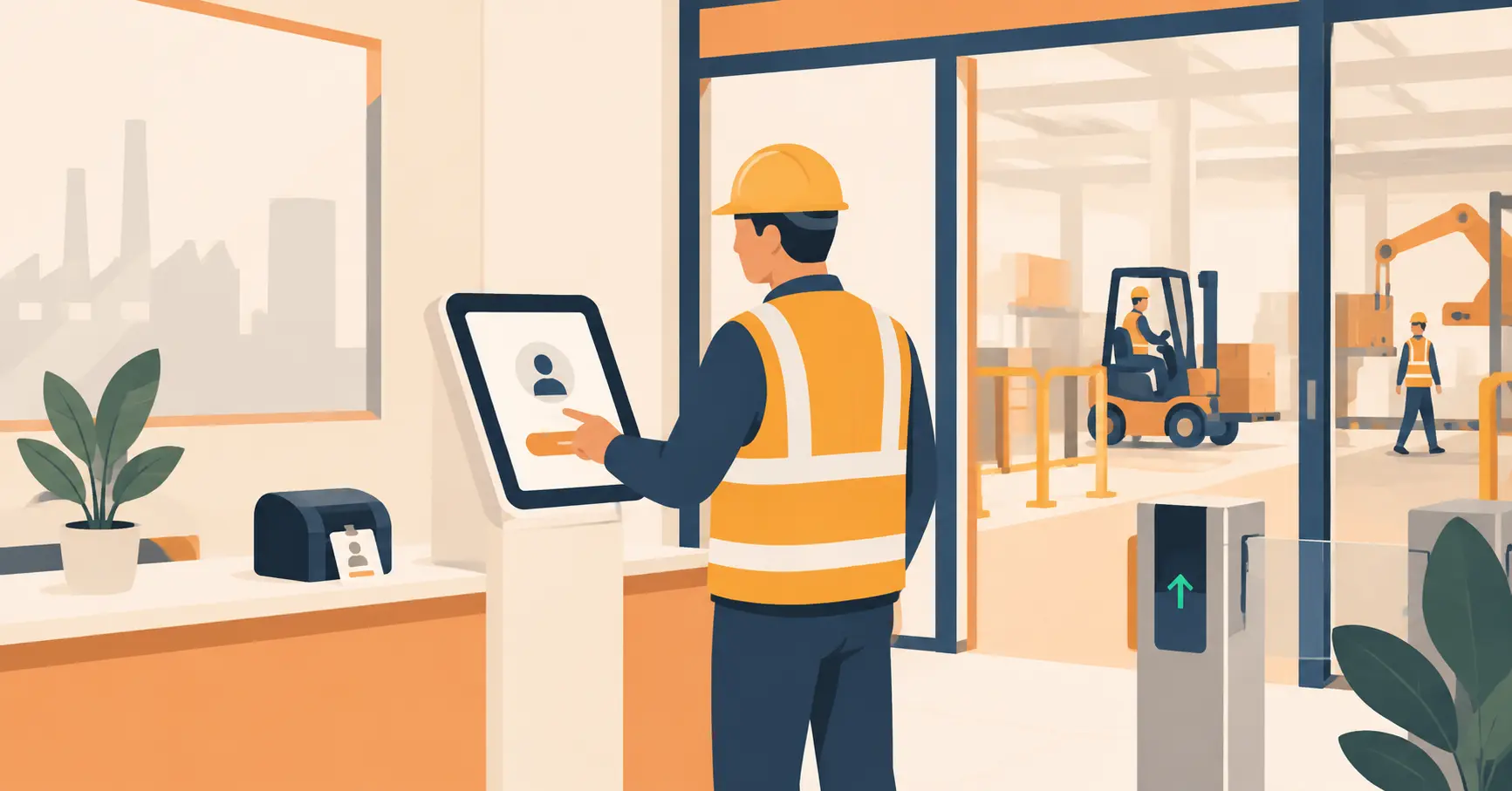
Some locations have a tablet or touchscreen kiosk at the entrance. Customers tap in their details and join the queue right there. It’s a good option for elderly visitors or anyone who’s not confident using their phone for this kind of thing.
Staff check-in, always the backup
If none of the above works for a particular customer, a staff member can add them manually. This should always be an option. Not everyone is tech-savvy, and nobody should be excluded from service because of it.
Is There Ever a Good Reason to Use an App?
Yes, in specific situations.
If your customers visit you multiple times a week, an app makes more sense. The one-time friction of downloading it gets paid back quickly because they’re using it constantly. Starbucks is the obvious example, their app works because people buy coffee every single day.
But for a walk-in clinic, a government service centre, a salon, or a pop-up event? Most of your customers are there once or occasionally. Asking them to download an app just to join a queue is asking too much.
The rule of thumb is simple: if a customer visits you regularly, an app can work well. If they’re there once or twice a year, stick with QR.
What About Customers Who Don’t Have a Smartphone?
This is worth addressing honestly, because it comes up often.
QR codes and web links both require a smartphone. For customers who don’t have one or who aren’t comfortable using it, the fallback is simple: a staff member adds them to the queue manually. They wait the same amount of time and get the same service. The only difference is someone calls their name instead of sending a notification.
A well-run virtual queue system should always have this option available. Going fully digital doesn’t mean leaving anyone behind.
How Vizitor Handles It
Vizitor keeps the join process as simple as it gets: a QR code at your entrance and a real-time dashboard for your staff.
When a customer scans the code, they’re added to the queue instantly. Your team can see exactly who’s waiting and in what order from any device, in real time. When it’s someone’s turn, they call them through.
No app for the customer. No complicated setup for your team.
Vizitor currently uses QR check-in and dashboard management. It doesn’t have SMS, WhatsApp built in yet, so if those channels are essential for your specific audience, it’s worth knowing that upfront. But for most walk-in businesses managing on-site visitor flow, QR code queuing handles the job cleanly without any of the complexity.
It also connects to Vizitor’s broader workplace management tools so if you’re tracking who’s in the building, managing meeting rooms, or handling employee attendance at the same time, it all lives in one place.
See how Vizitor’s queue management works Try it free
The Bottom Line
Customers don’t need an app. They need a QR code to scan and a browser that opens.
The best virtual queue systems are the ones customers barely notice using, they scan something at the door, go wait somewhere comfortable, and come back when they’re called. That’s the whole experience.
If you’re a business still managing queues with a clipboard, a whiteboard, or a shouted name system, the switch is simpler than it sounds.
Frequently Asked Questions
See Vizitor in action check-in a visitor in under 30 seconds
Trusted by 500+ businesses. QR check-in, badge printing, NDA signing. Plans from $36/mo.