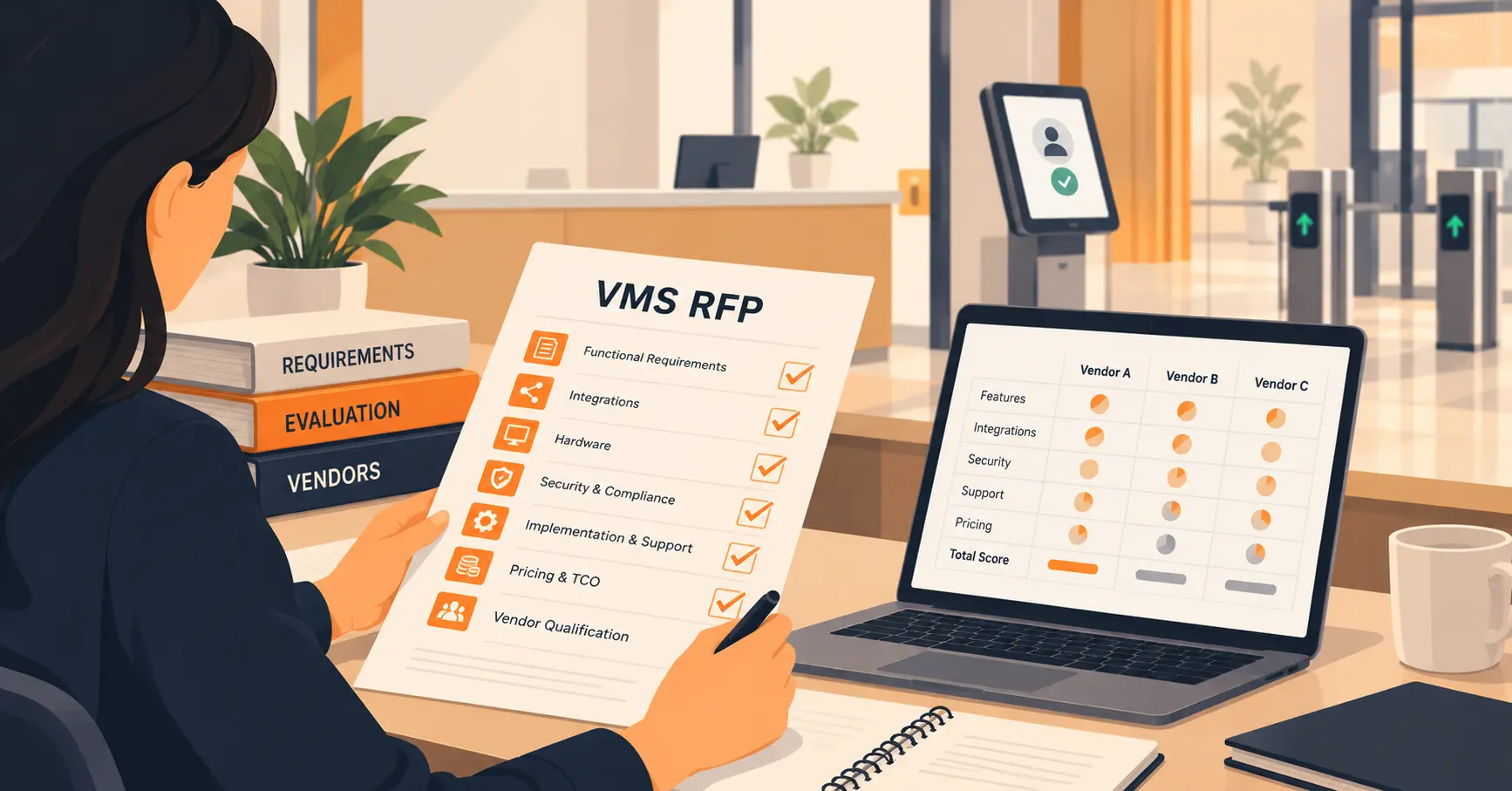
What Facilities Teams Need for Contractor Check-Ins
A contractor check-in checklist covers pre-arrival approval, document collection, on-site enforcement, and sign-out, but most checklists fail the one test that matters: connecting the sign-in record to the emergency roll-call. This guide walks through the full four-stage checklist and the two moments it has to survive, an audit and an evacuation.


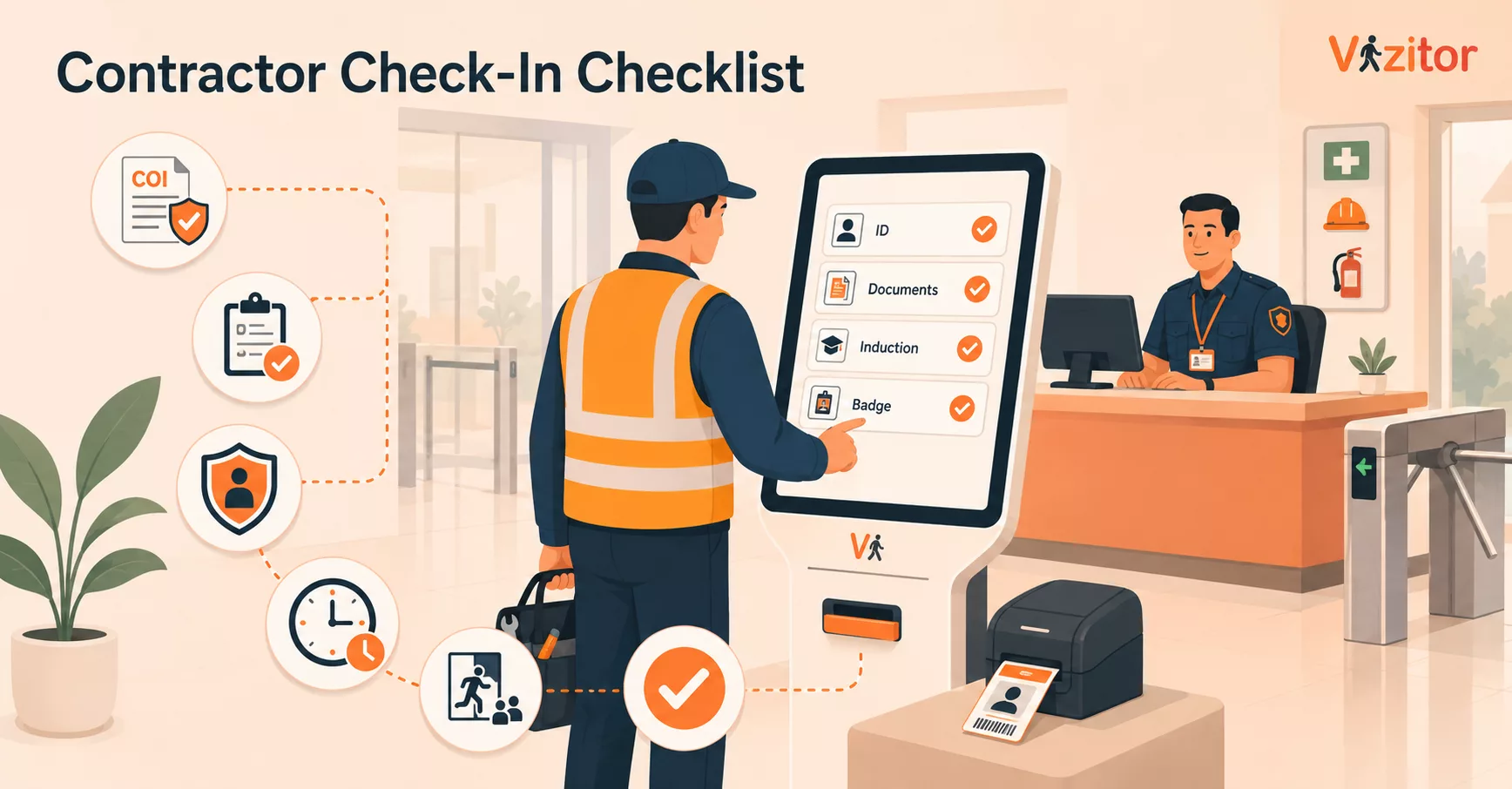
Table of Content
Try Vizitor for Free!
A contractor check-in checklist is the fixed set of steps a facility runs every time a non-employee arrives to do work: verify who they are, confirm the work is approved, capture their documents, brief them on site rules, issue a time- and zone-limited badge, and record when they arrive and leave. The full checklist is below, split into before arrival, at the door, on site, and sign-out. But first, the part most checklists skip. Your contractor log is worthless until the day you actually need it, so build the process backwards from the two moments it has to survive: an audit and an evacuation.
Most contractor checklists fail the one test that matters
We read the ten pages currently ranking for this topic on 5 July 2026. Most handle the arrival ritual well, identity, insurance, induction, badge, and several even remember sign-out. Exactly one connected the contractor’s sign-in record to the emergency roll-call: the moment an alarm sounds and someone has to confirm whether a name on the log is still inside the building.
That gap is the whole job. A contractor check-in process exists for two moments, and neither is the friendly hello at reception. The first is the audit, when an inspector, insurer, or client asks you to produce, in minutes, who was on site last Tuesday, what they were cleared to do, and who approved them. The second is the evacuation, when the alarm goes and your assembly-point headcount has to include the two HVAC technicians on the roof that nobody at the front desk remembers.
A safety manager on the IOSH forum described the failure exactly: her site picked up a non-conformance at external audit because two contractors were working on site with no risk assessment on file, and, in her words, “sometimes I’m not even aware they’ve been asked to come out.” The check-in didn’t fail at the door. It failed before the contractor arrived, and again when the paperwork couldn’t be produced on demand. Everything below is built to close those two gaps.
The contractor check-in checklist
Work through it in four stages. The bad news for anyone hoping for a single sign-in sheet: the stages that prevent incidents happen before the contractor reaches your desk and after they leave it.
Before they arrive
- Route every visit through one intake. An internal sponsor logs the contractor before the day of work, with scope, authorised areas, and a time window. The “I didn’t know they were coming” problem is a routing problem, not a front-desk problem.
- Collect the documents that gate entry: certificate of insurance (COI), any required permit to work, trade licenses, and the contractor’s risk assessment and method statement (RAMS). Attach expiry dates so an out-of-date COI blocks the booking, not the person already standing at your desk.
- Assign the site induction ahead of time. Send site rules, hazards, and emergency procedures to be acknowledged before arrival, so day-one minutes aren’t burned at reception.
- Pre-register the crew: names, company, work-order number, expected arrival. Pre-registration turns the door check into a match instead of an interview.
At the door
Most of these steps are the same ones a visitor management system already runs for every arrival, the difference for a contractor is what you attach to them and what you refuse to skip. See our broader guide on receiving visitors in the workplace for how clients, candidates, vendors, and delivery staff each get a different version of this same door check.
- Verify identity against the pre-registered record; scan a government ID where the work or site sensitivity calls for it.
- Confirm the work order. Tie the visit to a ticket or purchase order, not the word “maintenance.”
- Capture the induction acknowledgment and any NDA or document signature not already completed online.
- Screen the name against your watchlist or blocklist before a badge is printed.
- Issue a badge that states the contractor’s name, photo, host, date, and, the part that earns its keep, the authorised area and time window. Colour-code it so a contractor is distinguishable from a client or guest at a glance.
- Notify the host automatically that their contractor has arrived, so accountability starts at minute one.
While they’re on site
- Enforce zones and time windows. A contractor cleared for the ground floor between 9am and 1pm should be recorded as exactly that, so anything outside those boundaries is visible rather than assumed.
- Keep a live on-site roster. At any moment you should be able to answer: who is in the building right now, and where are they cleared to be?
- Escort high-privilege access. Server rooms, roofs, master-key use, plant shutdowns, require a named host at the entry point, not a wave-through.
Sign-out and after, the half most logs lose
- Record a timestamped sign-out and collect the badge, key, or access token. An entry that never closes is the same as no entry at all when you are counting heads.
- Reconcile at end of day. Anyone still marked “in” who should be “out” is either a data error or a person unaccounted for. Find out which.
- Keep the record. Every arrival, document, and departure belongs in an encrypted, searchable log you can export for an audit or an incident review without opening a paper book.
The two moments your checklist has to survive
The audit
An audit is a speed test. The question is never “do you have records?", it is “can you produce the right record before the meeting ends?” Paper logs and spreadsheets pass the first question and fail the second. This is where a check-in tied to a digital record earns its cost: when Snapdeal replaced manual visitor registration, its IT team reported zero manual errors and vendor and partner visits fully documented for security-protocol compliance, the difference between a log you hope is accurate and one you can hand an auditor. If your process has to satisfy insurers or standards like C-TPAT or ISO 45001, the records held in an encrypted, tamper-proof audit log are the deliverable, not a by-product.
The evacuation
This is the test the ranking checklists skip. When the alarm sounds, your assembly-point count is only as accurate as your check-in data, and contractors are the people most likely to be missing from it, off in a plant room, up a ladder, in a part of the building your staff never enter. A contractor check-in checklist that stops at the badge print gives you a nice arrival record and a blind spot during the one event it should have prepared you for. Feeding every live sign-in into a real-time roster, and being able to fire an evacuation alert to everyone currently on site in one action, is what turns the log from an archive into a safety control. If a name is on your roster, it had better be on your roll-call.
A contractor is not a guest, and the checklist should say so
A guest gets a welcome. A contractor gets a gate. The practical distinction competitor content often blurs: for a contractor, documents should block entry, not chase them afterward. If the COI is expired or the induction is unsigned, the check-in should not complete. Treating the sign-in as a hard enforcement point, rather than a calendar invite that assumes permission, is the single change that separates a real contractor process from a visitor book with the word “contractor” written in it.
Best for: multi-tenant buildings, manufacturing and plant sites, campuses, data centres, and anywhere with insurance exposure, permit-to-work activity, or restricted areas. The more overlapping crews and locations you run, the more the checklist has to be enforced by the system rather than by memory.
This checklist covers the operational side. For the US regulatory side, who OSHA can actually cite when a contractor is hurt on your site, and it is a broader group than most facilities teams assume, see our guide to OSHA contractor compliance.
When you don’t need all of this: a two-person office that sees one contractor a quarter can run a clean paper log and a phone call. If you can name every person who will be on site next week from memory, you don’t need enforcement software yet. The line to watch for is the day you can’t, multiple sites, recurring vendors, or the first auditor who asks for last month’s records.
Making the checklist stick
The honest part most checklists won’t tell you: writing the list is the easy bit. Every one of these systems is only as good as the people using it, and there are two ways it quietly rots. The first is the honour system, a sign-in book at an unstaffed desk that everyone walks past. The second is over-control: a safety manager on the IOSH forum described colleagues writing a permit to work for someone refilling a water cooler, which “devalues them” so thoroughly that the permit means nothing when a contractor is genuinely breaking into a steam line. Match the control to the risk, and make the right step the easy step. Pre-register so approval happens before arrival. Gate the booking on documents automatically. Put the zone and time on the badge so enforcement doesn’t depend on a guard remembering a rule. Digitise the parts that fail on paper, sign-out, reconciliation, and the roster, and leave judgment to people. Vizitor runs this contractor management flow for 500+ workplaces across 15+ countries, and the pattern that holds is always the same: the process that gets followed is the one that removes steps rather than adding them. This checklist covers the door-level process specifically; for what the software behind it actually tracks, see what a contractor management system is.
Contractor check-in checklist: FAQ
Do contractors need a permit to work for every task? No. A permit to work is for non-routine, higher-risk activity, hot work, work at height, confined space, electrical isolation. Applying one to every low-risk visit buries the permits that actually matter. Use an induction and sign-in for routine work, and reserve permits for the hazardous exceptions.
How do you confirm a contractor has done a risk assessment before a short one-off job? Ask for the RAMS as a condition of the booking, not at the door. Where a full method statement is disproportionate for a short job, a site induction plus a competency check and a documented scope is the realistic floor, recorded, so “we asked” is provable later.
Should contractors and visitors go through the same induction? No. A guest who stays in a meeting room needs the basics: fire exits, assembly point, escort rules. A contractor doing work needs the site-specific hazard briefing, zone limits, and permit rules. One induction for both either over-burdens the guest or under-briefs the worker.
Paper or digital contractor sign-in, and how do you get staff to actually use it? Paper works at low volume; it fails at reconciliation, search, and the evacuation roster. Whatever you choose, adoption is the real test, as one practitioner on the IOSH forum put it, “any system is only as good as the people using it.” Digital wins when it removes steps (pre-registration, automatic host notification, self-service sign-in) instead of adding them.
Who should own the approved-contractor list and document checks? One named owner, usually facilities or EHS, maintains the approved-contractor list and the document expiry dates, with security and the front desk enforcing at entry. The failure mode is a list that lives in email threads. Put it somewhere all three teams see the same status.
Where to start this week
Pull your contractor logs from the last quarter and check two columns. Does every arrival have a matching sign-out? And would every one of those names have appeared on an evacuation roster while they were on site? If either answer is no, you don’t have a check-in problem, you have a records problem, and it is the kind that only becomes visible during the audit or the alarm. Fix that column first. If you want to see how contractor check-in, zone and time limits, and a live evacuation roster work as one flow, start a free trial and set it up against your own site rules.
Frequently Asked Questions
See Vizitor in action check-in a visitor in under 30 seconds
Trusted by 500+ businesses. QR check-in, badge printing, NDA signing. Plans from $36/mo.