Switching from Qmatic? 5 Alternatives to Consider
This page compares 5 real Qmatic alternatives for 2026: Vizitor, Qminder, Waitwhile, QLess, and Qtrac by Lavi Industries, covering Qmatic's verified limitations including its long setup and training time, opaque custom pricing, and integration friction that reviewers flag most often. Each alternative is evaluated on G2 rating, pricing, and honest pros and cons sourced from real reviews. Vizitor is presented as the fit for offices and branches that want queue and visitor management combined without hardware or enterprise-level complexity, with pricing available directly from its sales team.


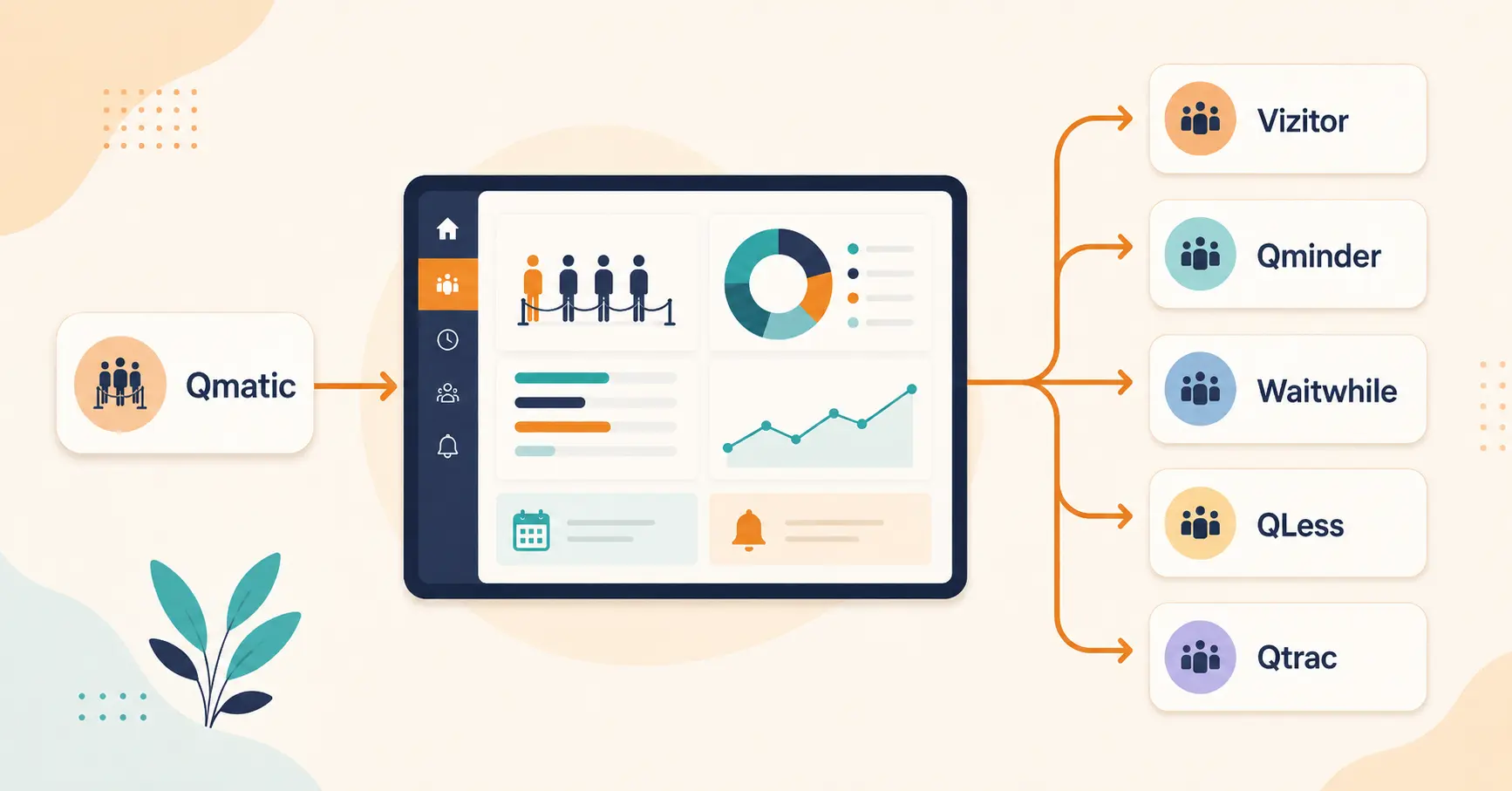
Table of Content
Try Vizitor for Free!
If you are reading this, something about Qmatic probably is not working for you: a setup that has dragged on longer than expected, a pricing conversation that never quite produces a number, or a system that feels built for a much bigger operation than yours.
This page compares 5 real Qmatic alternatives for 2026: Vizitor, Qminder, Waitwhile, QLess, and Qtrac by Lavi Industries. Each one is evaluated on verified G2 ratings, published pricing where it exists, and honest pros and cons pulled from real reviews, not marketing copy. If you want a broader look across more platforms first, our comparison of the top queue management tools and solutions covers 12 options side by side. New to the category entirely? Our guide to how queue management systems work covers the fundamentals before you compare vendors.
Why Teams Actually Look for a Qmatic Alternative
Qmatic holds a 3.9 out of 5 rating on G2, built on genuine strengths: predictive wait time calculations, strong analytics and reporting, and integrations with CRM and appointment tools that reviewers consistently praise.
The same reviews point to four recurring friction points:
- Setup and installation time. Reviewers describe the initial rollout as longer than expected, often requiring training before staff can use it comfortably.
- Pricing that is not published anywhere. Qmatic requires a direct sales inquiry for a quote. One third-party pricing analysis estimates a typical range of $500 to $1,000, but there is no way to confirm a number without a sales call.
- Integration friction. Some reviewers note that connecting Qmatic to other systems is slower than expected and sometimes takes several attempts to get right.
- More complexity than smaller operations need. Qmatic is built for large, multi-location public-sector and enterprise environments: city halls, DMV offices, hospitals, retail banks. For a single-location business or a small team, that scope shows up as complexity you are paying for but not using.
None of that makes Qmatic a bad product. It makes it a specific fit for specific environments, and if yours does not match, one of the five alternatives below probably will.
What to Actually Look For in a Qmatic Alternative
Before comparing individual tools, it helps to know which differences actually matter for your situation.
- Published pricing versus custom quotes. A vendor that lists real numbers lets you shortlist in an afternoon. A “contact sales” page means you are spending time on a call before you know if the tool fits your budget at all.
- Hardware requirements. Kiosk-based systems add cost, shipping time, and a point of physical failure. Software that runs on devices your team already owns removes all three.
- Setup time. Ask directly how long a typical rollout takes, not how long the vendor says it “can” take. Reviewers are usually more honest about this than sales pages.
- Whether queuing is the whole system or one part of it. If you also handle visitor check-in, desk booking, or front-desk operations, a combined platform avoids running two disconnected tools that do not share data.
- Compliance requirements specific to your industry. Healthcare and government deployments need HIPAA, SOC 2, or GDPR credentials verified upfront, not assumed.
Qmatic Alternatives at a Glance
| Tool | G2 Rating | Starting Price | Best For |
|---|---|---|---|
| Vizitor | Not yet rated on G2 | Contact sales | Offices and branches wanting queue and visitor management combined, without hardware |
| Qminder | 4.6/5 (244 reviews) | $389/month | Mid-size service businesses wanting strong, fast support |
| Waitwhile | 4.9/5 (144 reviews) | Free plan; paid from $29/month | Teams wanting the easiest setup and highest-rated experience |
| QLess | Not published on G2 | Custom quote | Government and public-sector offices needing a direct, compliance-ready Qmatic replacement |
| Qtrac (Lavi Industries) | 4.7/5 (45 reviews) | $531/month per location | Enterprises wanting deep analytics and are not price-sensitive |
1. Vizitor
Vizitor combines queue management with full visitor management (check-in, host notifications, digital badges) in one system, rather than treating queuing as a standalone tool.
Pros:
- Runs on any Android or iOS device or browser, no proprietary kiosk hardware required
- Queue data (wait times, abandonment, throughput) rolls into the same dashboard as visitor and space management data, useful if queuing is one part of a larger front-of-house operation
- Setup does not require the multi-week rollout reviewers describe for Qmatic
Cons:
- Pricing is not published online; you will need to talk to the sales team to get a number, the same friction point that pushes people away from Qmatic in the first place
- Not built for the scale of a multi-site government deployment the way QLess or Qtrac are; a single DMV-style operation spanning dozens of locations is not the primary use case
- Newer to the queue management category specifically than dedicated queue vendors like Qminder or Waitwhile, so it has fewer third-party reviews to point to yet
Pricing: not published online. Vizitor’s sales team quotes pricing based on your locations and the features you need.
Best for: offices, corporate front desks, and branches that want queue management and visitor management in one system without hardware dependency or enterprise-level complexity.
See what Vizitor's queue management costs for your locations
Pricing depends on your locations and features. Talk to sales for a quote, no obligation.
Talk to Sales2. Qminder
Qminder holds the strongest review volume on this list: 4.6 out of 5 across 244 G2 reviews.
Pros:
- Reviewers consistently describe it as simple to use regardless of technical skill
- Frequently credited with streamlining check-in and giving staff clear wait-time and service-time tracking
- Support is described as fast and easy to reach, with some reviewers noting near-instant response
- Reviewers note active, ongoing product improvement based on customer feedback
Cons:
- Some reviewers find it expensive relative to smaller competitors, particularly for unlimited-user needs
- Pricing scales quickly for larger teams: the Business plan runs $789/month for 25 seats
Pricing: starts at $389/month, with the Business plan at $789/month for 25 seats.
Best for: mid-size service businesses, clinics, and retail operations that prioritize fast support and a proven track record over the lowest possible price.
3. Waitwhile
Waitwhile carries the highest rating on this list: 4.9 out of 5 across 144 G2 reviews.
Pros:
- Reviewers highlight ease of setup and configuration, with administrators able to get running quickly
- Combines waitlists and appointment booking in one place, reducing the number of separate tools needed
- Support is described as active and helpful
- Offers a genuinely free tier, not just a trial
Cons:
- Some reviewers find higher tiers expensive relative to the feature set, describing it as double the price of comparable appointment-only software
Pricing: free plan (1 location, up to 50 visits/month); Starter at $29/month (4 locations, 3,000 visits/month); Business at $49/month per location (4 to 10 locations, up to 10,000 visits/month); custom enterprise pricing above that.
Best for: teams that want the fastest setup and the most consistently positive reviews, and are comfortable starting on a free or low-cost tier before scaling up.
4. QLess
QLess targets the same public-sector and government environments Qmatic is best known for, which makes it the most direct like-for-like replacement on this list.
Pros:
- Eliminates physical lines entirely, with customers joining via app, SMS, or web
- Real-time notifications reduce the “how much longer” questions that dominate manual and even some digital queues
- HIPAA-ready, SOC 2 Type II, CCPA, and GDPR/UK GDPR compliant, which matters directly for healthcare and government deployments
- Strong analytics and reporting comparable to Qmatic’s own strength in this area
Cons:
- Staff may need training to adapt to the virtual queue workflow
- Smaller businesses may find several of its public-sector-oriented features go unused
- Pricing is a custom quote, the same opacity problem that pushes people away from Qmatic in the first place
Pricing: custom quotation, not published.
Best for: government offices, public services, and healthcare systems that need Qmatic-level compliance and scale but want to evaluate a genuine second option.
5. Qtrac by Lavi Industries
Qtrac holds a 4.7 out of 5 rating across 45 G2 reviews, with 86% of reviewers giving it 5 stars.
Pros:
- Reviewers consistently praise ease of use and customer support quality
- Fully self-service scheduling workflow, without needing an external interface to complete the process
- Enterprise-grade analytics and business intelligence features aimed at organizations that want to go beyond basic wait-time tracking
Cons:
- The starting price is the highest on this list by a wide margin, more expensive than Qmatic itself in most comparisons
- Positive reviews are heavily represented; there is less publicly available detail on specific complaints than for Qminder or Waitwhile
Pricing: Waitlist Starter plan begins at $531/month for a single location.
Best for: larger enterprises that want deep analytics and marketing-integration features and are not primarily price-sensitive.
How to Choose the Right Qmatic Alternative
Match the choice to what is actually driving the switch, not just the review score.
1. Identify what is actually broken
“We need a Qmatic alternative” usually means one specific thing: the price is unclear, the setup dragged on, or the system does more than your team needs. Naming the actual problem narrows the list faster than comparing every feature side by side.
2. Set a real budget before you shortlist
Qminder and Qtrac both run into the hundreds of dollars per month once you add locations or seats, and Waitwhile publishes a free tier and clear per-location pricing above it. Vizitor and QLess do not publish pricing online, so budget out a sales conversation as part of your evaluation timeline rather than assuming you can shortlist on published numbers alone. If you need to justify the switch internally first, our guide to calculating queue management system ROI walks through the numbers separately.
3. Check whether hardware is actually required
If a vendor’s demo centers on a physical kiosk, ask directly whether the software works without it. Every alternative on this list, except where public-sector deployments specifically request kiosks, runs on standard devices.
4. Match compliance needs to the vendor, not the other way around
Government and healthcare deployments should verify HIPAA, SOC 2, or GDPR credentials directly against QLess or Qtrac’s documentation rather than assuming general-purpose tools like Waitwhile or Qminder meet the same bar.
5. Decide if queuing needs to connect to anything else
- Switching because of opaque pricing specifically: Waitwhile publishes real numbers you can act on without a sales call.
- Switching because of setup time or complexity: Waitwhile and Vizitor both emphasize fast setup over a multi-week rollout, though Vizitor’s pricing still requires a conversation with sales.
- Switching but staying in government or public sector: QLess is the closest match to what Qmatic already does, with the compliance credentials to prove it.
- Switching but need queue plus visitor management together: Vizitor is the only option on this list built around that combination rather than queuing alone.
- Switching and budget is not the constraint, analytics depth is: Qtrac and Qminder both lean into deeper reporting and business intelligence.
Common Mistakes When Switching Queue Vendors
The most common mistake is picking based on feature lists alone, without checking what actual reviewers complain about. A feature comparison chart will not tell you that a system’s integrations take three attempts to configure correctly; only the reviews will.
The second is not asking for a firm number upfront. If a vendor’s pricing page says “contact sales,” the way Qmatic’s, QLess’s, and Vizitor’s do, ask for a specific quote before you invest time evaluating the rest of the platform.
The third is over-buying scale you do not need. Qtrac and QLess are built for large, complex, often public-sector deployments. If you are a single-location business or a small team, that scope adds cost and complexity without adding value.
The fourth is switching vendors without deciding what “working” actually looks like afterward. Our breakdown of the 8 queue KPIs worth tracking covers the formulas and benchmarks to measure whether the new system is actually an improvement, not just a different interface.
Why Vizitor Is the Most Direct Qmatic Alternative for Most Teams
Qtrac and QLess both make sense if you specifically need enterprise-scale, public-sector-grade infrastructure, the same category Qmatic itself competes in. If that describes your organization, one of those two is the more honest fit than Vizitor.
For everyone else, the actual complaints reviewers raise about Qmatic (long setup, more system than a single location needs) point toward a lighter, faster alternative, not a bigger one. That is where Vizitor is built to sit: no kiosk hardware to procure or maintain, a setup that does not stretch into a multi-week rollout, and queue data that lives in the same dashboard as visitor check-in and space management instead of a separate system you have to reconcile manually. Pricing is not published online, so this is one area where a call with the sales team is still part of the process, the same as it is with Qmatic and QLess.
The honest limitation is scale. If you are running a citywide network of DMV offices, Qmatic’s own category (alongside QLess and Qtrac) is genuinely built for that, and Vizitor is not trying to compete there. For a single office, a retail branch, a clinic, or a multi-location business that wants one dashboard instead of five, Vizitor is the more direct replacement.
Conclusion
Every alternative on this list solves the same basic problem Qmatic does: organizing customer or visitor flow so people are not standing in a physical line wondering how much longer they will wait. The real differences are in setup speed, pricing transparency, and how much scale you actually need.
Qminder and Waitwhile are the strongest all-around choices if you want a dedicated, well-reviewed queue tool with published pricing. QLess and Qtrac are the right call if you need Qmatic’s own level of enterprise or public-sector scale. Vizitor fits the businesses that want queuing and visitor management in one place without hardware, with pricing available directly from its sales team.
Book a demo to see it running with your own queue data and get a quote for your locations.
Frequently Asked Questions
See Vizitor in action check-in a visitor in under 30 seconds
Trusted by 500+ businesses. QR check-in, badge printing, NDA signing. Plans from $36/mo.