How Office Managers Can Finally Stay Organised: 7 Systems
Office managers lose hours daily to manual processes across visitors, desks, rooms, attendance, deliveries, requests, and queues. This guide breaks down seven systems that automate each area and eliminate the gaps that cause operational failures. Together, they give office managers full visibility, a complete audit trail, and control over everything happening in their workplace.



Table of Content
Try Vizitor for Free!
7 Systems Every Office Manager Needs to Stay Organised and In Control
If you are an office manager, you already know the feeling. You walk in on a Monday morning and there are three people waiting at the front desk with no appointments. Someone from marketing is asking why the meeting room they booked is occupied by another team. The IT help desk inbox has 14 unread requests from Friday. And somewhere in a shared drive, last month’s attendance report is sitting in a folder that nobody can find.
You are not bad at your job. The job just has too many moving parts for any one person to handle without the right systems in place, which is exactly what front desk management software for admin teams is built to solve.
Research from Ricoh Europe, based on a 2025 survey of 6,000 office workers, found that the average employee spends about 15 hours per week on administrative tasks like chasing approvals, searching for files, and managing inboxes. That is nearly two full days a week lost to process friction. A separate ServiceNow study found that 49% of managers agree administrative work leaves them less time for the strategic thinking their role actually requires.
And here is the part that nobody warns you about when you take the job. Office management is one of those roles where success is invisible. When everything runs smoothly, nobody notices. When something breaks, everyone notices immediately. You are judged by the absence of problems, which means you need systems that prevent problems before they start.
The good news is that most of these problems are solvable. Not with one magic app, but with the right set of systems, each one handling a specific part of your operational world so that nothing falls through the cracks.
Below are the seven systems that will make the biggest difference to how you work. Not all of them are obvious. Some, like queue management and ticketing, tend to fly under the radar until you realise how much time they save. But each one solves a real, recurring problem that office managers deal with constantly.
Here are the seven, in the order most offices tend to adopt them.
1. Visitor Management System
If your front desk still uses a paper logbook or a basic sign-in sheet, you probably already know the problems this creates. Visitors arrive and nobody knows who they are here to see. There is no record of who was in the building last Tuesday. When someone asks for last quarter’s visitor data for a compliance review, the answer is a pile of illegible handwriting.
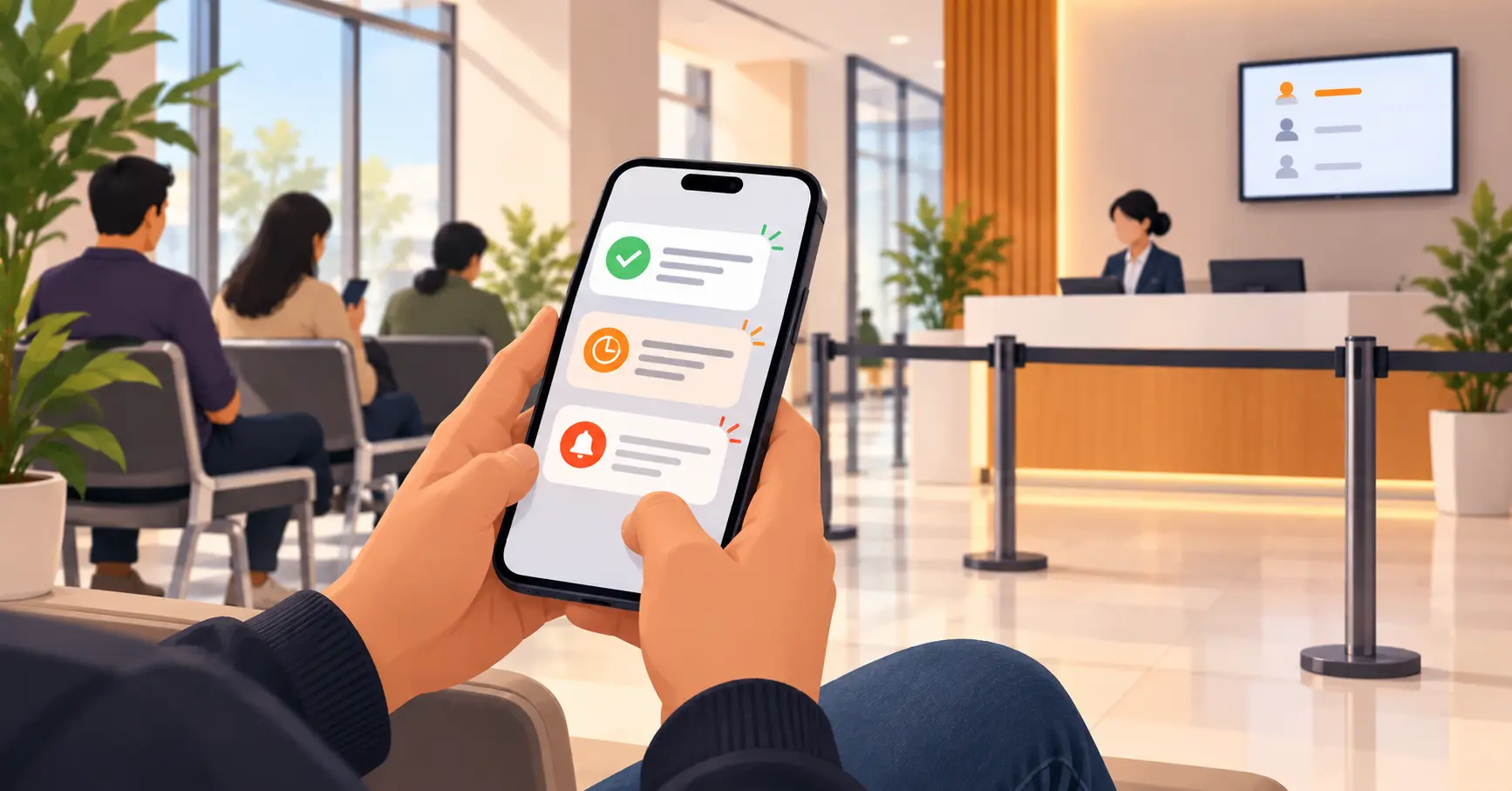
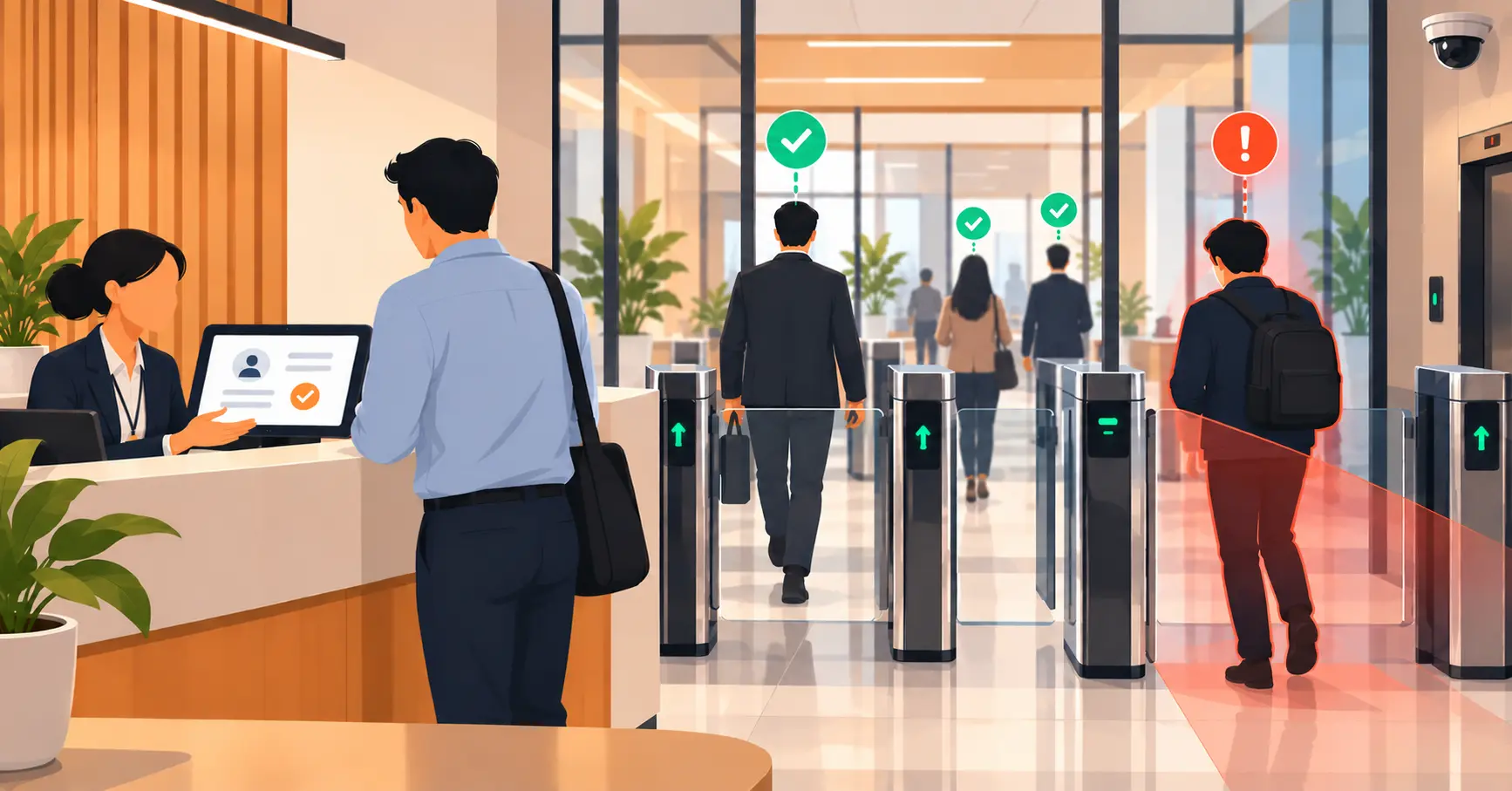
A visitor management system replaces all of that with a digital check-in process. Visitors pre-register before they arrive. When they show up, they check in on a tablet or kiosk, sign any required documents like NDAs or health declarations, and get a printed badge. Their host gets notified instantly through Slack, Teams, or SMS. Every entry is logged with a timestamp, a photo, and a digital signature.
As an office manager, this is one of the most immediate wins you can get. It takes the front desk from being a bottleneck to being a smooth, professional first impression. It also means you always have a complete, searchable record of who was in the building and when. No more digging through handwritten pages when someone from compliance comes asking questions.
What to look for: touchless check-in options like QR codes, automatic host notifications, digital NDA signing, watchlist screening for flagged visitors, emergency evacuation lists, and a full digital audit trail.
Platforms like Vizitor have been able to bring average check-in times down to about 30 seconds and reduce lobby wait times by up to 80%, according to data on their website. For a busy office, that kind of improvement is hard to ignore.
2. Space Management System
Hybrid working has changed everything about how office space gets used. On some days the office is packed. On others, entire floors sit empty. And when there is no system to manage who sits where, you end up with the same complaints every week: “I came in and there was no desk for me” or “my team was supposed to sit together but we are spread across three floors.”
A desk booking system lets employees reserve a workstation before they come in. They can see a floor map, pick a spot, and know it will be available when they arrive. As the office manager, you get real-time visibility into which desks are used, which ones sit empty, and how occupancy changes across the week.
This is not just about convenience. It is about making informed decisions. If Tuesday and Wednesday are consistently at 95% capacity but Thursday drops to 40%, that tells you something about how the office is actually being used. Maybe you can consolidate floors. Maybe you need to set booking limits on peak days. Without the data, you are guessing. With it, you are planning.
What to look for: interactive floor maps, real-time availability, department zones and neighbourhood policies, utilisation reports, calendar integration with Google Workspace or Outlook, and a mobile app so people can book on the go.
One thing worth noting: desk booking is one of those systems where the data is almost more valuable than the booking itself. After a month or two of usage, you will have a clear picture of how your office actually operates, not how people think it operates. That information alone can justify changes to your floor plan, your hybrid policy, or even your lease.
3. Meeting Room Management System
Meeting rooms cause more friction than they should. Double bookings happen because calendar syncs are unreliable. Rooms sit empty because someone booked them and never showed up. Three teams are fighting over the one room with a decent screen, while two perfectly good rooms down the hall go unused all day.
A meeting room management system connects your room calendars with physical displays outside each room. If nobody checks in within a set time window, the booking gets auto-released so someone else can use the space. Teams can filter rooms by size, equipment, and location. And you, as the office manager, get reports that show which rooms are genuinely popular and which ones are being wasted.
This matters more than people think. Every ghost meeting that blocks a room for an hour costs other teams real time while they scramble to find space. And if your office has more than a handful of rooms, the inefficiency compounds quickly.
What to look for: two-way calendar sync with Google Calendar and Outlook, room display integration, auto-release for no-shows, filters for AV equipment and room capacity, recurring booking management, and utilisation analytics that actually help you make decisions about your room setup.
Practical tip: if your analytics consistently show that large rooms are booked for small groups, it might be time to convert one of those big conference rooms into two smaller huddle spaces. The system gives you the evidence to make that call confidently, rather than guessing based on complaints.
The real cost of ghost meetings is not just the empty room. It is the ripple effect. When three other teams cannot find space because a room is “booked” by someone who never turned up, those teams either skip the meeting, waste time hunting for alternatives, or cram into a space that is too small. One ghost meeting creates three frustrated teams. The auto-release feature alone is worth the investment.
4. Attendance Management System
Tracking attendance sounds straightforward until you actually have to do it. Shift workers clock in and out at different times. Remote employees log hours from home. Someone is always disputing their overtime. And at the end of the month, HR needs a clean report that somehow reconciles all of this into something accurate enough for payroll.
If you are still relying on manual timesheets, a basic biometric punch, or (worst case) an honour system, gaps are inevitable. Buddy punching, where one person clocks in for another, is more common than most offices want to admit. Missing records during shift changes create headaches that take hours to untangle.
A modern attendance management system supports multiple clock-in methods. Facial recognition, fingerprint, GPS-based geo-fencing for remote workers, QR codes, RFID cards. It logs everything digitally, handles shift scheduling and rotation, manages leave and overtime rules, and integrates directly with your payroll system.
For the office manager, this means no more end-of-month firefighting. The data is clean, the records are complete, and if anyone has a question about their hours, there is a timestamped, verifiable log to refer to.
What to look for: multiple clock-in options, geo-fencing for field and remote workers, shift and rotation scheduling, leave management, overtime calculation, payroll integration, and exportable monthly reports.
If you have ever spent two days at the end of a month reconciling attendance data before sending it to payroll, you know exactly why this system matters. The goal is simple: accurate, complete records that require zero manual cleanup. When the system does its job properly, the end-of-month attendance report practically builds itself.
5. Mailroom Management System
This one might sound minor until you work in an office that receives 30 or 40 packages a day. Deliveries arrive at the front desk. Nobody knows who they are for. The recipient does not get notified. After a few days, packages pile up in a corner. When someone finally asks “where is my parcel?", there is no record of when it arrived, who signed for it, or whether it was picked up.
In larger offices, this becomes a real operational problem. Personal orders, business supplies, confidential documents, and perishable items all arrive at the same spot. Without a system, the front desk becomes an unpaid sorting facility with no accountability chain.
A mailroom management system logs every package the moment it arrives. The person handling intake takes a photo, records the recipient name and timestamp, and the system sends an automatic notification. When the recipient picks up the item, that is logged too. The whole chain of custody is documented, so there is never a question about what happened to a package.
What to look for: photo capture at arrival, automatic recipient notifications through email, Slack, or SMS, pickup confirmation logging, a chain-of-custody audit trail, categorisation options (personal, business, confidential, perishable), and reporting on delivery volumes and turnaround times.
This system pays for itself the first time someone disputes a missing package and you can pull up the exact photo, timestamp, and pickup record in five seconds. Before that moment, it might feel like overkill. After that moment, you will wonder how you managed without it.
For offices that handle sensitive or confidential deliveries, the audit trail is not just convenient. It is essential. If a legal document or a piece of medical equipment goes missing and there is no record of who received it or where it went, that is a compliance problem, not just a logistics problem.
6. Ticketing System
Every office manager knows the constant stream of internal requests that never stops. The Wi-Fi on the second floor is down. The coffee machine is broken again. Someone needs access to a shared drive. The heating in meeting room 3 is not working. A new joiner needs their laptop set up before Monday.
Without a structured system, these requests come in through every channel imaginable. Emails, Slack messages, verbal hallway mentions, sticky notes on your desk. Things get lost. People follow up repeatedly because they do not know the status of their request. And you have no visibility into which types of issues come up most often or how long they take to resolve.
A ticketing system gives employees one clear way to submit requests. Each request becomes a trackable ticket with a category, a priority level, an assigned owner, and status updates. The person who submitted the ticket can see where it stands. Managers get a dashboard of open, in-progress, and resolved tickets along with resolution time metrics.
This is one of those systems where the benefit is not just efficiency. It is also accountability and pattern recognition. When you can see that the third-floor printer has had 12 tickets in the past month, you stop fixing it and start replacing it. When you can see that new joiner IT setup takes an average of three days, you build that lead time into your onboarding process.
What to look for: simple ticket submission through a web form, mobile app, or Slack and Teams integration, auto-categorisation and priority routing, assignment to specific teams or individuals, SLA tracking and escalation rules, status notifications for the requester, resolution time analytics, and a knowledge base for self-service answers to common issues.
A quick note on the knowledge base feature.
Once your ticketing system has been running for a few months, you will start to see which questions come up again and again. “How do I connect to the guest Wi-Fi?” “How do I request a parking pass?” “Where do I submit an expense claim?” If you build a simple knowledge base with answers to the top 20 recurring questions, a significant percentage of tickets resolve themselves before they ever reach your team. That is time saved for everyone.
7. Queue Management System
Queues form in offices more often than most people realise. At the IT help desk. At the HR walk-in counter. At the mailroom pickup window. In the lobby when multiple visitors arrive at the same time. Even at the cafeteria during the lunch rush.
The problem with unmanaged queues is that they are invisible until they become a problem. People stand around. They check back repeatedly to see if it is their turn. They interrupt whoever is at the counter to ask how much longer. Research cited by Qwaiting suggests that 73% of people leave if they wait more than five minutes in an unmanaged queue. In an office context, that means employees are wasting time standing in line instead of working, and visitors are getting a poor first impression.
A queue management system replaces physical lines with digital tokens. People join a virtual queue through a kiosk, a mobile app, or a QR code. They get real-time wait time updates and a notification when their turn is near. Staff see a dashboard showing active queues, average wait times, and which service counters need backup.
This is the system that most office managers do not know they need until they see it in action. Once you have visibility into where queues form, how long people wait, and which service points are overwhelmed at which times, you can make staffing and scheduling decisions that actually reduce the bottlenecks.
What to look for: digital token generation through kiosk, app, or QR code, real-time wait time display, SMS or app notifications, multi-counter assignment and routing, service time analytics, and integration with visitor management for walk-in routing.
Vizitor offers queue management as a first-class module alongside visitor management, which is unusual. Most workplace platforms treat queuing as an afterthought or skip it entirely. If queue bottlenecks are a recurring issue in your office, it is worth looking at.
One more thing about queues. The data you collect from a queue management system is surprisingly useful for staffing decisions. If your IT help desk consistently has a 20-minute wait on Monday mornings, that tells you something about how you staff Mondays, not about how slow your IT team is. The system gives you the evidence to have that conversation with the right context.
How These Seven Systems Work Together
Individually, each of these systems solves a specific headache. But the real value shows up when they work together.
Think about a typical morning. A contractor arrives and checks in through the visitor management system. They get routed to a virtual queue for the facilities department. Meanwhile, the employee they are meeting has already booked a desk through the desk booking system and reserved a meeting room with the right equipment. A package that arrived for the employee yesterday was logged in the mailroom system, and they picked it up on the way in. The attendance system has confirmed who is on site today, so security knows the building count. And when the projector in the meeting room does not work, the employee submits a ticket and IT gets the alert within minutes.
No duplicate entries. No manual handoffs. No “I thought someone was handling that” gaps.
That last one matters more than most people think. In offices without connected systems, the most common failure mode is not incompetence. It is assumption. Someone assumed the front desk would notify the host. Someone assumed IT would see the email. Someone assumed the package was already picked up. Systems eliminate assumptions by making every action visible and every handoff explicit.
The thread connecting all of these systems is the audit trail. Every check-in, every booking, every delivery, every ticket, every clock-in creates a digital record. When someone from compliance, HR, or leadership asks for information, you do not have to spend a week pulling it together from six different sources. It is all there.
Organisations like Vizitor have built this model into a single platform: six operational modules plus analytics, running on one system. According to data on the Vizitor website, the result is a 30-second average check-in time, 80% shorter lobby waits, and a 100% digital audit trail across 500+ workplaces in 15+ countries
Quick Comparison: 7 Systems at a Glance
| System | What It Replaces | Biggest Win for the Office Manager | Key Feature to Prioritise |
|---|---|---|---|
| Visitor Management | Paper logbooks, manual sign-in | Complete visitor records, instant host alerts | Digital audit trail and watchlist screening |
| Space Management | Email-based desk claims, first-come chaos | Real utilisation data for space planning | Interactive floor maps with live availability |
| Meeting Room Management | Calendar-only bookings, ghost meetings | Rooms actually available when teams need them | Auto-release for no-shows |
| Attendance Management | Manual timesheets, basic punch clocks | Clean payroll data, no month-end firefighting | Multi-method clock-in with geo-fencing |
| Mailroom Management | Sticky notes, unclaimed package piles | Zero “where is my package?” disputes | Photo logging with automatic notifications |
| Ticketing | Scattered emails, verbal requests, sticky notes | Visibility into every open request and its status | Auto-routing with SLA tracking |
| Queue Management | Physical lines, repeated “how much longer?” interruptions | Data on where bottlenecks form and when | Digital tokens with real-time notifications |
How to Choose the Right Systems for Your Office
You do not need all seven on day one. Here is a practical way to think about it.
Start with whatever is causing you the most pain right now. If compliance and security are your biggest concern, start with visitor management and attendance. If space is the issue, start with desk booking and meeting room management. If your inbox is full of maintenance requests and IT tickets, start with the ticketing system.
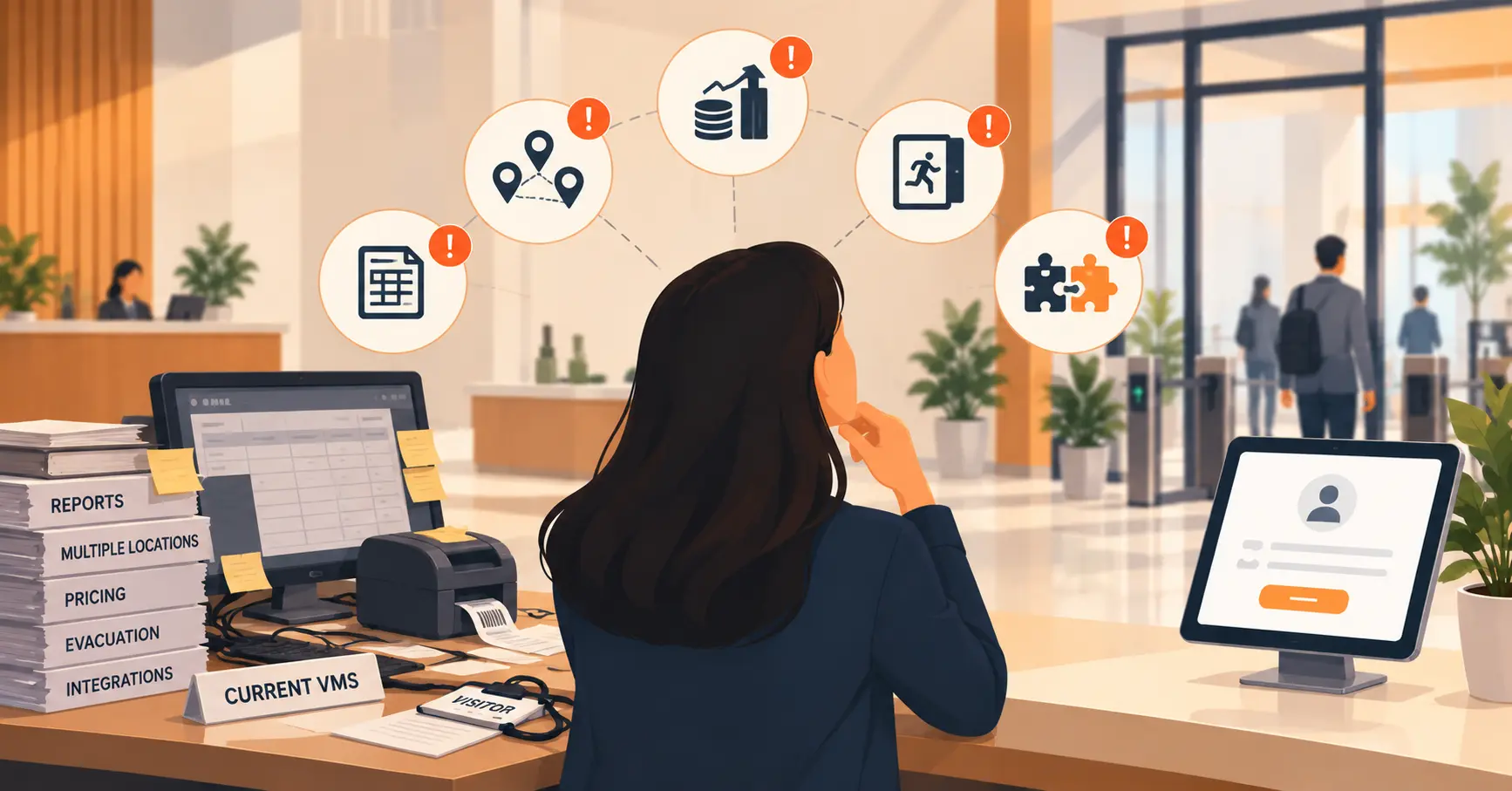
Think about how these systems will talk to each other. Standalone tools create data silos. If your visitor system cannot share data with your attendance system, you still have to reconcile things manually. Look for platforms that either integrate well or, better yet, offer multiple modules on a single system so data flows automatically.
Consider where you will be in a year. A system that works for one office might not work for three. Ask about multi-site support, role-based access, and whether reporting works across locations.
Always check the audit trail. For every system on this list, ask: can I export a complete, timestamped record if someone from compliance asks for it? If the vendor cannot give you a clear answer, move on. This is one of those features that feels unimportant until the moment you desperately need it. And that moment always comes at the worst possible time.
Look at the setup burden. Some systems take weeks to implement and need dedicated hardware. Others are cloud-based and go live in under an hour with just a tablet and a Wi-Fi connection. For most small and mid-size offices, low-friction setup is a big advantage because it means you can try something without a major commitment.
Do not overlook mobile access. In 2026, everyone expects to handle things from their phone. Booking a desk on the commute, checking in with a QR code, reviewing a ticket status from a coffee shop. If the system does not have a solid mobile experience, your team simply will not use it consistently.
Signs Your Office Has Outgrown Manual Processes
Not sure if you actually need these systems? Here are some signals that your current setup is holding you back.
You spend more than an hour a week searching for information that should be easy to find. Visitor logs, attendance records, delivery receipts, meeting room availability. If finding this information requires opening three different tools, checking a shared drive, and asking someone in person, you have a data fragmentation problem that systems can solve.
You are the single point of failure for too many things. If you go on holiday and nobody can find the visitor log, process a delivery, or check a meeting room booking, your office is running on your personal knowledge, not on systems. That is not sustainable.
You keep solving the same problems again and again. The same printer breaks every month. The same meeting room gets double-booked every week. The same packages sit unclaimed for days. If you are fixing symptoms instead of causes, you need systems that surface the patterns so you can address root causes.
People complain about the same things repeatedly. “I could not find a desk.” “Nobody told me my package arrived.” “I submitted a request three days ago and I still have not heard back.” When the same complaints keep coming, the problem is not the people. It is the process.
You cannot answer basic questions about your own operations. How many visitors did we have last month? What is our average desk utilisation on Tuesdays? How long does it take to resolve an IT ticket? If these questions require a week of detective work to answer, you do not have the operational visibility you need to make good decisions.
Conclusion
The seven systems in this guide cover everything an office manager deals with daily: visitors, desks, rooms, attendance, deliveries, requests, and queues. Each one replaces a manual process with something automated, trackable, and audit-ready. Start with whatever causes the most friction right now and build from there. If you want everything in one place, Vizitor’s office management software brings all seven together on a single platform with a free trial and no setup commitment.
Frequently Asked Questions
See Vizitor in action check-in a visitor in under 30 seconds
Trusted by 500+ businesses. QR check-in, badge printing, NDA signing. Plans from $36/mo.