The Tech Tools Modern Offices Cannot Operate Without
This article covers seven technology tools for the modern office, from automated climate and lighting control to visitor management, connected chairs, treadmill desks, 3D printers, and Zapier's workflow automation. It explains what each tool does, where the research and case-study evidence actually holds up, and when the investment isn't worth it yet.


Table of Content
Try Vizitor for Free!
An office full of laptops and fast Wi-Fi is not the same thing as a modern office. The real gap shows up in the details: a front desk still buried in sign-in sheets, a thermostat nobody bothers to adjust, a chair that ignores how people actually sit for eight hours straight. Those small frictions add up to lost time, wasted energy spend, and a weaker first impression than the business deserves.
Modern office technology means the connected hardware and software that runs daily operations with less manual effort from staff. That covers automated climate control, digital check-in software, and workflow automation platforms alike. It matters because manual processes cost real time and money, and they shape the very first impression a visitor, client, or new hire forms of the company.
The seven tools below solve specific, recurring problems in reception, comfort, and workflow. None of them demand a full office redesign to start paying off, and none of them are worth buying just because a competitor has them.
1. Office Automation Control Systems
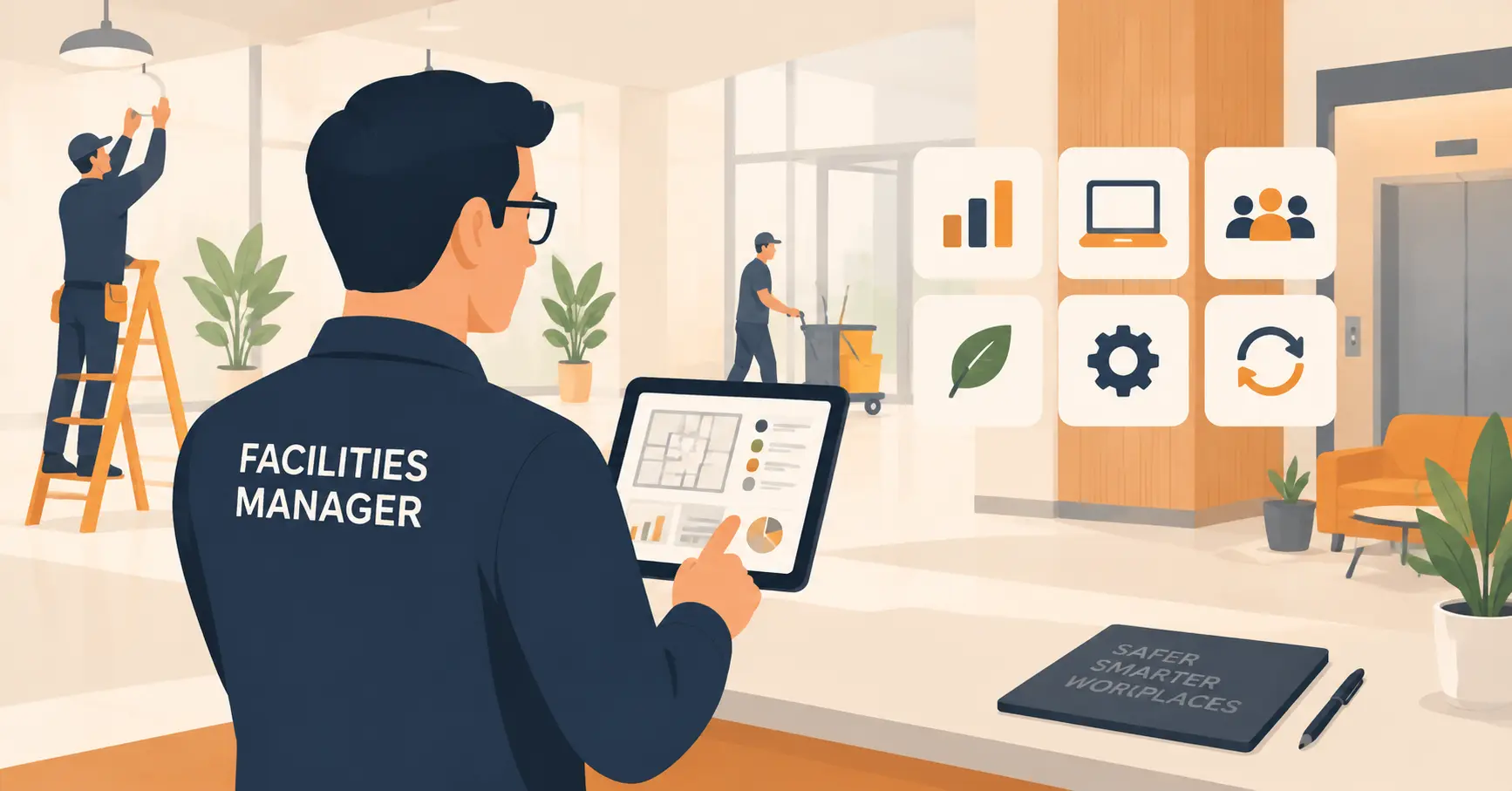
Office automation control systems put the thermostat, lighting schedule, and HVAC on autopilot instead of leaving it to whoever remembers to flip a switch. Occupancy sensors track which rooms are actually being used, and the system adjusts heating, cooling, and lighting based on that real data rather than a fixed timer that runs the same way whether the building is full or empty.
The savings are not theoretical. The U.S. Department of Energy found that high-performance HVAC control sequences deliver an average 30% annual energy savings across a range of commercial building types, with a similar drop in peak demand. That number comes from tuned systems, not from unboxing a smart thermostat and leaving the defaults alone.
Before buying, ask whether facilities staff can override the schedule manually during unusual weeks, like a busy conference or a skeleton-crew holiday period. A system that only responds well to its own app, with no manual fallback, tends to frustrate the people who have to run the building day to day.
The payback period matters more than the sticker price. A retrofit into an owned building with a long occupancy horizon earns back its cost through utility savings over a few years. The same retrofit into a short-term leased floor rarely pays for itself before the lease ends, which is worth working out with facilities and finance before signing a contract.
2. Personalized Lighting Systems
Lighting is not a one-size-fits-all setting, no matter how the fixtures were specified when the office was built. Age, task type, and personal preference all change what counts as good lighting for a given desk. A study on office lighting published in the National Library of Medicine’s PMC database measured real effects on worker alertness, comfort, and satisfaction tied to lighting conditions, which is a stronger claim than the usual marketing line about “boosting productivity.”
Personalized lighting systems respond to that reality instead of fighting it. Employees adjust brightness and color temperature through a smartphone app, matching the light to the task in front of them, the time of day, or simple personal preference. That reduces eye strain and helps people stay focused longer than they would under one fixed, building-wide setting.
The wellness angle matters too. Offering workers real control over their own environment signals a level of respect that a generic buzzing fluorescent panel never will, and that shows up in retention conversations more often than facilities teams expect.
3. Visitor Management Systems
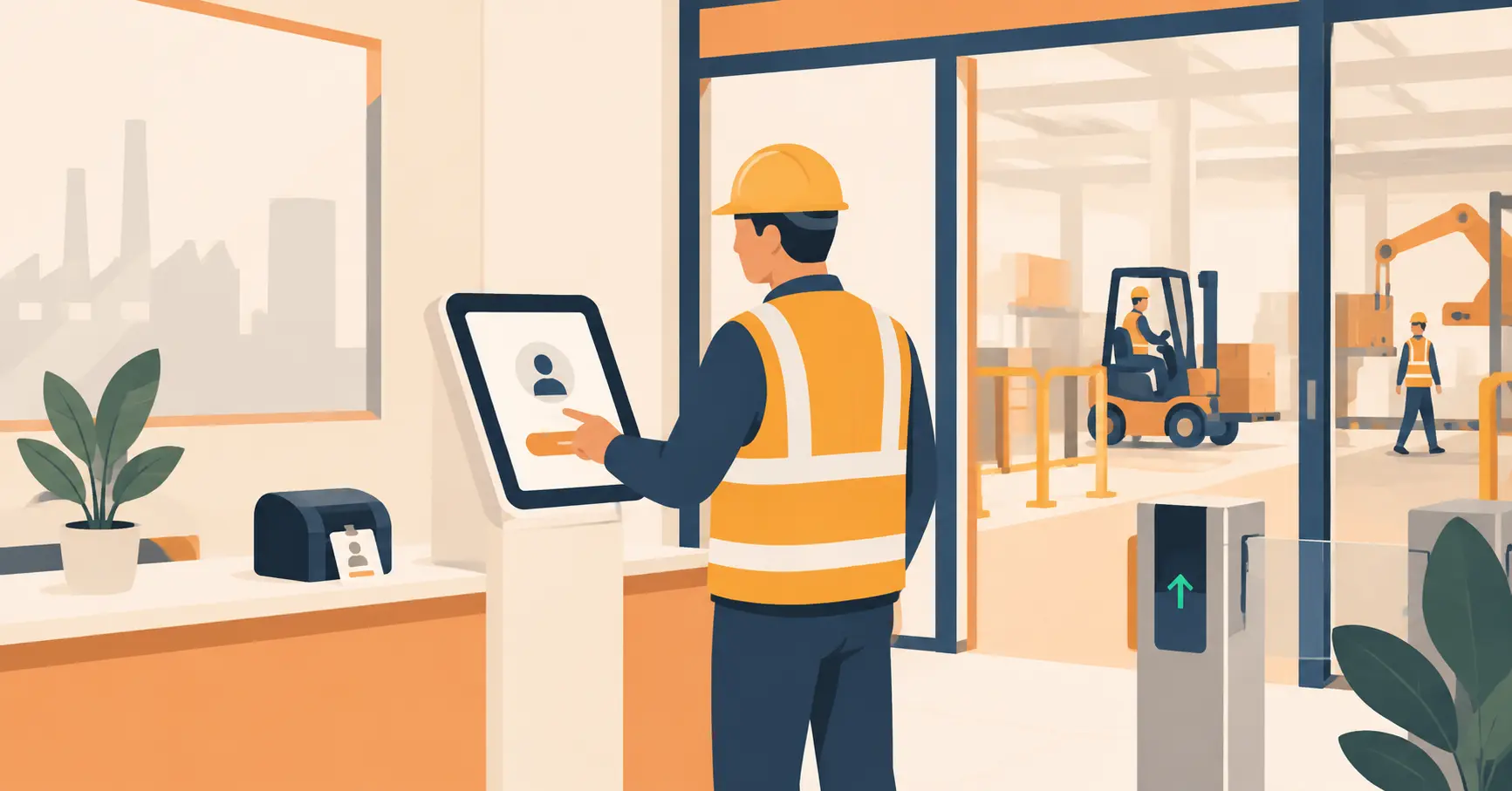
First impressions form at the front desk, before a single word gets exchanged in a meeting room. A smart, efficient visitor management system like Vizitor replaces the clipboard with a professional, secure check-in experience that reflects how seriously the company takes its own operations.
The scale case for this is not hypothetical. Hard Rock Cafe runs the same digital check-in process across 175 locations in 74 countries, with check-in fully automated and zero physical contact required, according to its published case study. That’s a genuinely different operational reality than a single-site office managing a guest book, but the underlying mechanics, streamlined check-ins, instant host notifications, and a digital audit trail, scale down just as well to one reception desk.

Beyond the front-desk experience, a visitor system gives security and compliance teams something a paper log never could: a searchable digital record of exactly who was on-site and when. Custom branding on the check-in screen turns a routine visit into a small, consistent marketing touchpoint instead of a forgettable formality.
Ready to see it running at your own front desk? Vizitor’s free trial takes about ten minutes to set up on a spare tablet, no procurement process required.
4. Connected Chairs
Comfort and functionality meet in connected chairs, a genuinely useful twist on office furniture rather than a gimmick. Built-in USB ports and electrical outlets let people charge a laptop or phone without hunting for a free wall socket. Flip-up privacy panels let a worker switch between open collaboration and heads-down focus mode without changing desks. The ergonomic frame underneath does the basic job any good office chair should.
These chairs cost more than a standard ergonomic chair, and the added electronics mean one more component that can eventually fail. That tradeoff makes the most sense in hot-desking or flexible seating setups, where the same seat serves several different people across a single day and the extra features get real, repeated use. A private office with one dedicated occupant gets far less value out of the connectivity features specifically.

5. Treadmill Desks
Treadmill desks push the standing desk idea one step further, and the research behind them is more nuanced than most vendors let on. A review of treadmill workstation studies in the National Library of Medicine’s PMC database found that slow, steady walking does not meaningfully hurt executive function, and separate work reported meaningfully higher physical, cognitive, and emotional vigor on days people used a treadmill desk versus a normal sitting day.
The catch shows up in fine-motor and heavy-concentration tasks. Some of the same research found a measurable drop in typing speed and reading accuracy while walking compared to sitting still. The physical activity and mood benefits are real and reasonably well supported. The claim that walking makes every task sharper is not, and a manager pitching treadmill desks as a pure productivity play is overselling the evidence.
They’re a good fit for calls, reading, and lighter administrative work. They’re a worse fit for anyone doing precision data entry or long stretches of focused writing for most of the day.
6. 3D Printers
A 3D printer opens the door to rapid prototyping, custom fixtures, and creative problem-solving that used to require an outside vendor and a week’s wait. Product and engineering teams can turn a design file into a physical model for a client meeting the same afternoon they finish the file. Office managers can print small fixtures or organizational tools on demand instead of ordering them.
The realistic cost of entry is a desktop printer running a few hundred dollars, plus someone on staff willing to learn the slicing software and troubleshoot the occasional failed print. That’s a reasonable bar for a design, engineering, or product team that will use it weekly. It’s a much harder case for a sales or admin-heavy office that would touch it two or three times a year, where the cost per use stops making sense.
A quieter benefit shows up in facilities and IT departments that adopt one for internal use. A broken cable clip, a missing desk mount, or a custom cable organizer can get printed in an hour instead of waiting on a vendor order that takes a week to arrive. That kind of small, unglamorous fix is often where a 3D printer earns back its cost fastest, well before anyone prints a client-facing prototype.
7. Zapier: The Automation Powerhouse
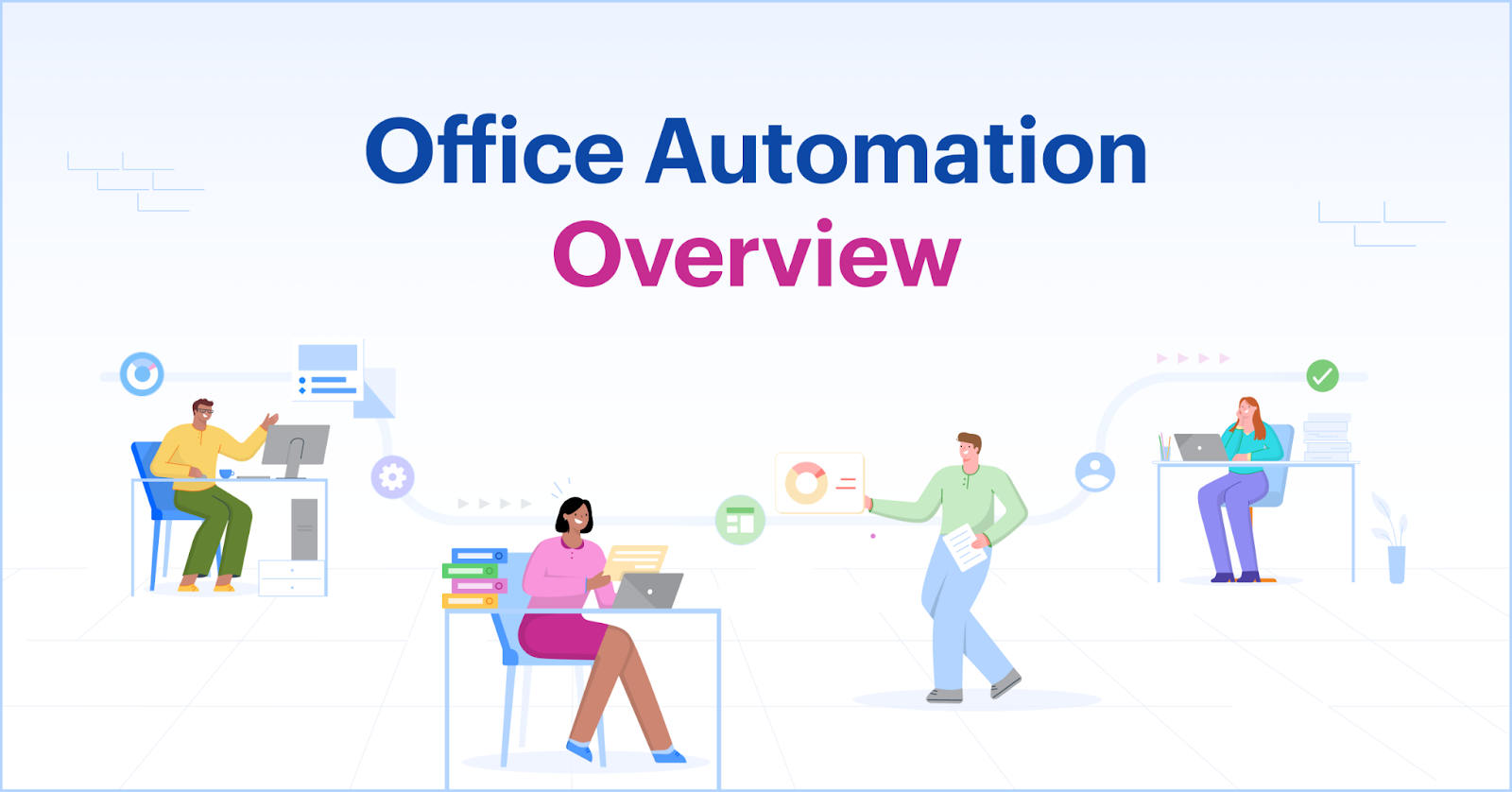
No modern office is complete without powerful workplace automation tools like Zapier.
A typical setup looks unglamorous but saves real time: a new lead lands in the CRM, Zapier posts a notification to the right Slack channel, and it logs a row on a shared tracking sheet, all without anyone touching it by hand. The same pattern applies to social media scheduling, expense report routing, or syncing a signup form to an email list.
Zapier’s own pricing has shifted toward task-based billing as usage grows, so it’s worth checking current plan limits before assuming a flat monthly fee covers everything a team will eventually automate. The free tier still works well for testing a single workflow before committing budget to it.
Common Mistakes When Adding New Office Tech
Buying the tool is the easy part. Getting real value out of it is where most rollouts stall, and the same five patterns show up whether the tool costs fifty dollars a month or fifty thousand upfront.
Chasing the flashiest option first is a common trap. A 3D printer looks more exciting in a budget meeting than an HVAC controller, but if the front desk is the actual daily pain point, fix that first.
Skipping staff input before deployment causes the second most common failure. Connected chairs with unexplained privacy panels, or a lighting app nobody was shown how to use, get ignored within a week regardless of how good the hardware is.
Assuming the tool replaces training is the third. Automation still needs someone accountable for checking it, adjusting it, and fixing it when a workflow breaks quietly in the background.
Treating subscription pricing as fixed is the fourth trap, and it hits budgets hardest. Tools like Zapier bill by task volume, and usage tends to climb faster than the original budget assumed once a team gets comfortable automating more.
Rolling out to the whole company at once is the fifth and most expensive mistake. Testing a new system with one department first surfaces integration problems and training gaps while the blast radius is still small.
When These Tools Aren’t Worth It Yet
Not every tool on this list fits every office, and pretending otherwise wastes budget.
A small or fully remote team gets little from connected chairs, treadmill desks, or a 3D printer, since all three assume a physical office with dedicated desks that see daily use. A company operating out of a short-term lease has a weaker case for a full automation control retrofit, since the payback period usually assumes a longer occupancy than a lease allows. A single-location business with no regular external visitors doesn’t need the full feature set of a visitor management platform, though even a lightweight version still helps with contractor and delivery tracking.
The general rule holds across all seven: buy the tool that fixes a problem you can already name, not the one that sounds impressive in a pitch deck.
Technology: The Cornerstone of a Modern Office
From automating the front desk with Vizitor’s reception management system to improving day-to-day comfort with connected chairs and personalized lighting, these tools reshape what “running an office well” actually looks like in practice. None of them work in isolation. The value compounds when a business picks the two or three that match its actual bottlenecks and gives them time to become routine. A front desk running smoothly makes the rest of the office feel more organized by association, even before the automation or lighting upgrades kick in, which is part of why so many teams start there.
If the front desk is the obvious starting point, start a free trial and see the check-in experience running on your own tablet within minutes. Prefer a guided walkthrough first? Book a free demo and see how Vizitor maps onto your specific reception workflow before rolling anything out.
Frequently Asked Questions
See Vizitor in action check-in a visitor in under 30 seconds
Trusted by 500+ businesses. QR check-in, badge printing, NDA signing. Plans from $36/mo.