5 Signs It's Time to Replace Your Visitor Management System
Five specific, checkable signs that an existing visitor management system has outgrown a growing office: reporting that only works by exporting to a spreadsheet, inconsistent setup across locations, a new site triggering a fresh sales call instead of a predictable line item, an untested evacuation report, and a standalone tool with no access control or directory integration. Includes a framework for telling an annoying feature apart from an actual reason to switch, and what switching systems realistically involves.



Table of Content
Try Vizitor for Free!
A visitor management system that worked fine for a 20-person office doesn’t automatically work for a 200-person one. It doesn’t automatically work for an office that’s added three more locations since you signed up, either. These are five specific, checkable signs your visitor management system has outgrown your office, not vague dissatisfaction, but concrete gaps worth testing for directly:
- Reporting only works by exporting to a spreadsheet
- Every location runs the system differently
- A new location means a new sales call, not a line item
- Nobody’s tested the evacuation report
- It’s a standalone tool that doesn’t talk to anything else
Each one is covered in detail below, along with how to tell an annoying feature apart from an actual reason to replace your visitor management system.
Sign 1: Reporting Means Exporting to a Spreadsheet
If getting a straight answer about who visited last month means pulling a raw export and building a pivot table yourself, the reporting layer hasn’t kept up. A system built for today’s scale should answer basic questions, visit volume by location, repeat visitors, time-on-site, without you doing the analysis by hand afterward.
Sign 2: Every Location Runs It Differently
One site uses a paper sign-in sheet as a backup. Another has different required fields at check-in. A third never got the watchlist feature turned on. This kind of drift in how the visitor management system gets used is common once a company grows past one site, and it’s a real compliance gap, not just an inconsistency. Keeping visitor security standardized across locations is specifically what a scaled system should handle, not something each site manager improvises on their own.
Sign 3: A New Location Means a New Sales Call
Adding a site should be a predictable line item, not a fresh negotiation. If every new location means waiting on a quote instead of multiplying a published rate, that’s a real operational cost on top of the subscription itself. It matters most for a company opening locations faster than once a year. Our enterprise multi-site guide covers what a system built for this actually looks like.
Sign 4: Nobody’s Tested the Evacuation Report
A visitor log is also your evacuation headcount. If nobody has actually pulled that report during a drill, or checked what it looks like if the network drops, you don’t know it works. This is the one sign worth testing proactively rather than waiting to discover it during an actual emergency.
Sign 5: It’s a Standalone Tool That Doesn’t Talk to Anything Else
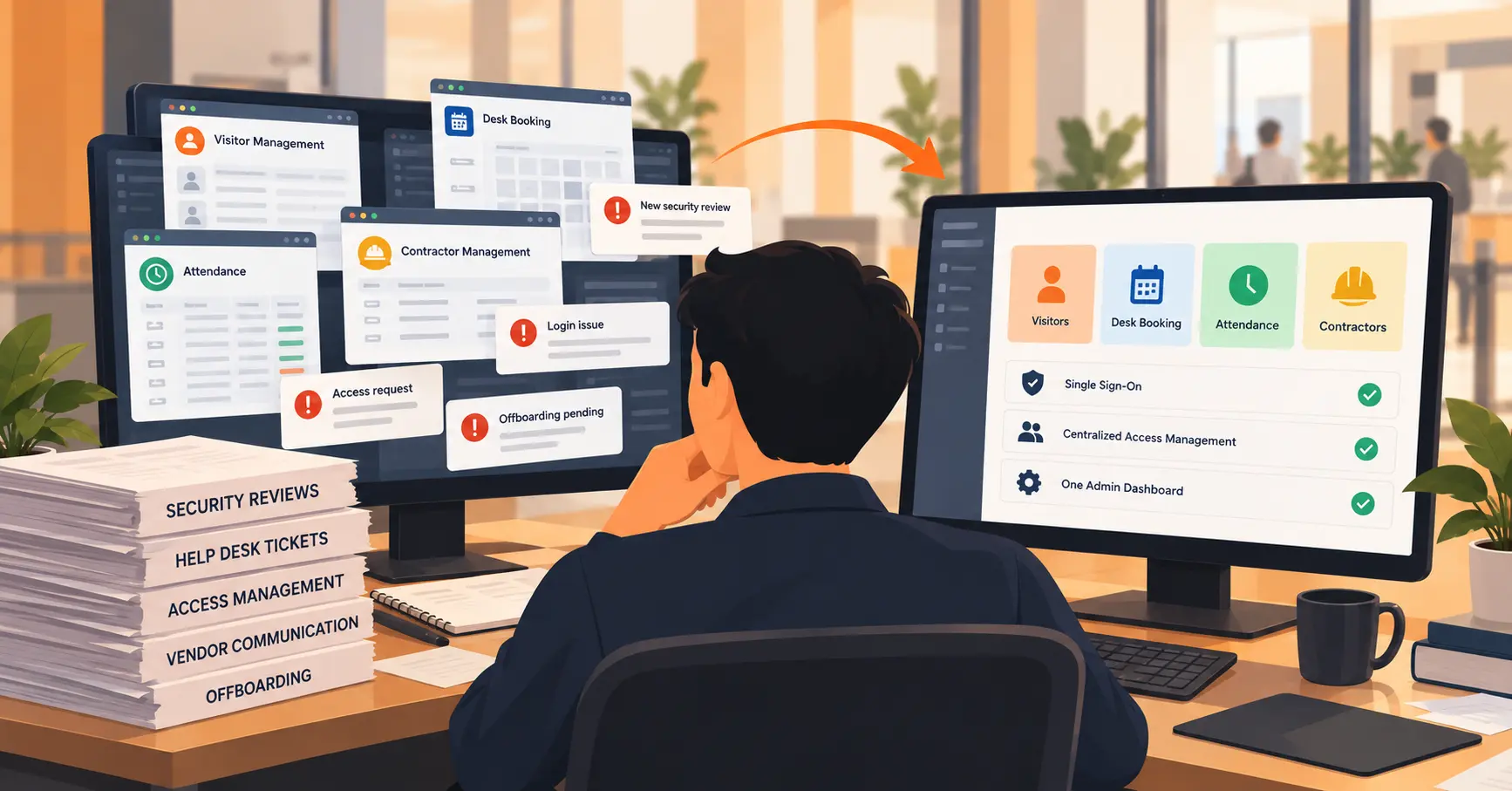
A check-in kiosk that has no connection to your access control system, your staff directory, or your calendar is doing one job in isolation. Visitor management and access control solve different problems. But a system with no path to integrate the two means every badge, every door, every zone restriction gets managed by hand.
Annoying Feature, or Actual Reason to Switch?
Not every gap means your visitor management system needs replacing. A missing report format with an easy workaround is an annoyance. A pattern across several of the five signs above, especially one that surfaces during an audit or a real emergency, is a structural problem the system won’t grow out of on its own.
The honest test: would fixing this require the vendor to rebuild core parts of the product, or just add a setting? The first is a reason to look elsewhere. The second is a feature request.
What Switching Actually Involves
Switching to a new visitor management system isn’t a same-day swap. Expect to export historical visitor data in a standard format and re-train front desk and facilities staff on the new flow. Plan to run the new system alongside the old one for a short period before fully cutting over. Our RFP checklist and buyer’s question list both cover what to verify before committing to a new vendor, so the switch doesn’t just trade one set of gaps for another.
Where Vizitor Fits
Vizitor manages every location from one admin account instead of a separate setup per site, so configuration drift isn’t something each location handles on its own. Reporting is built in rather than export-only: audit-ready logs cover entries, exits, and documents without manual spreadsheet work. It supports badge-activated door access through integration with physical access control systems, plus authorized zones and time windows for contractors, so check-in isn’t a standalone silo. Pricing is published per location rather than quote-only, so adding a site is a known cost, not a new negotiation.
See If Vizitor Fixes What Your Current System Doesn't
Walk through your specific gaps, reporting, multi-location consistency, access control, with Vizitor's team.
Frequently Asked Questions
See Vizitor in action check-in a visitor in under 30 seconds
Trusted by 500+ businesses. QR check-in, badge printing, NDA signing. Plans from $36/mo.